Dealer Specialties (DS) provides custom vehicle merchandising services such as interior and exterior photography, interactive 360° reports, videography, detailed vehicle condition reports, and inventory management Saas apps among other dealership services.
DS’ interactive 360° service allows dealerships to post vehicles on their inventory pages in a way that lets potential car-buyers explore their options in detail.
These 360° spins are made through a mobile app called Spin 360° alongside another called C.A.R.Score, which DS lot technicians/photographers use on a daily basis outside on dealerships’ parking lots.
To interact with final live 360° view experiences (as of the time of writing this), here are some examples of dealership customers that use DS’ 360° products for their pre-owned inventory.
Some of them prefer not to show hotspots on their vehicles, others prefer the entire experience.
Look for Vehicles that show this badge:

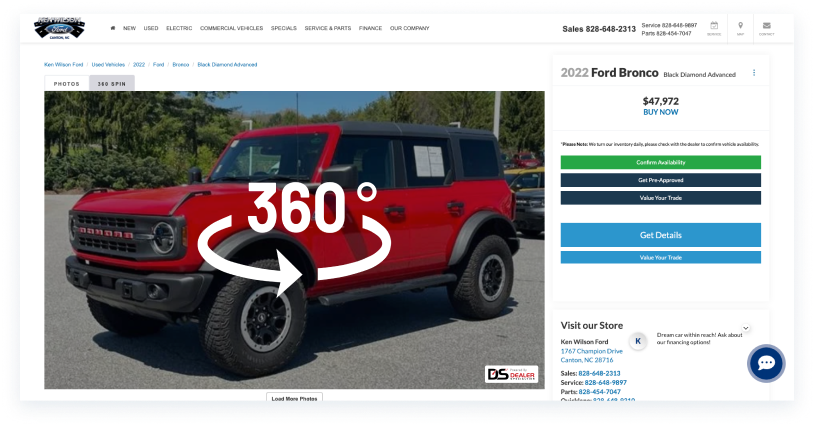
If a vehicle has that badge, you can also click on its image, then the "360 Spin" tab, and then its 360° thumbnail similar to the one below:
To design a vehicle 360° capture experience that is intuitive and provides the best results for DS’ clients so that that they can post their interactive inventory online and increase sales revenue, while increasing DS’ revenue simultaneously by introducing a new product to sell.
framework
According to RulerAnalytics.com “95% of car shoppers rely on online resources to gather information, bypassing dealerships as their starting point. Car buyers rule the research road online, doubling down on digital channels before hitting the dealership — a golden chance for marketers to grab their attention early”
This information corroborates the idea of creating a product that is engaging, interactive, and has the potential to increase vehicle sales.
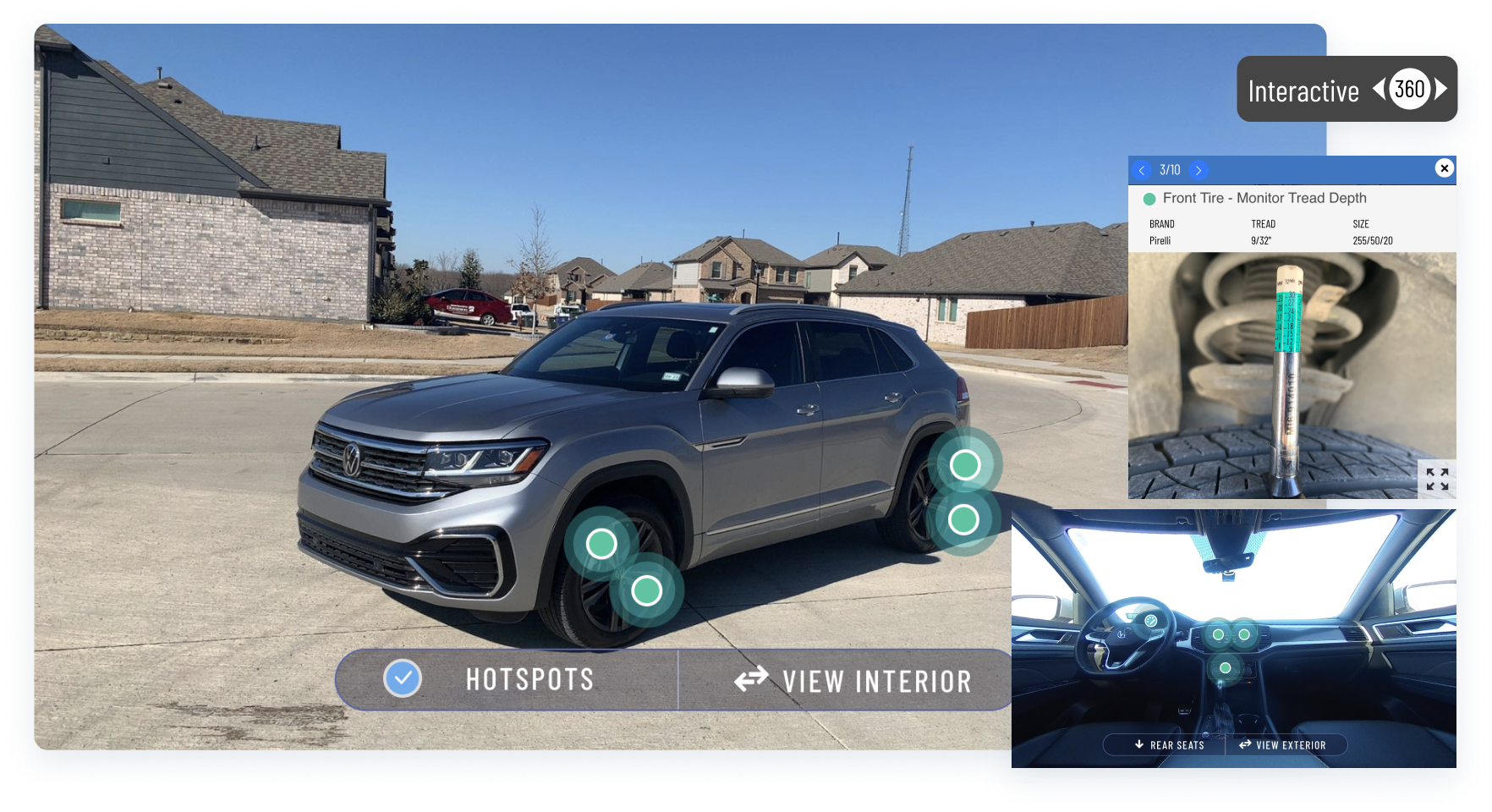
- The previous spin 360° reports consisted of a limited series of photos that felt “jumpy”.
- Interactive 360° badges weren’t getting many clicks online.
- Some hotspots were located in the same area generating a cluttered experience.
- There was no hotspot hierarchy (This varies depending on the report type).
- Nav buttons oftentimes interfered with the vehicle images and hotspots.
- Hotspot interactions weren’t consistent and had an outdated UI.
- Certain elements that were needed were missing such as a comprehensive photo gallery.
I created a FigJam board where I analyzed multiple competitors by watching their videos, learning about their process, their training materials, and much more. Some were very extensive regarding their 360° process; and others about training and best angles to capture photos / videos.
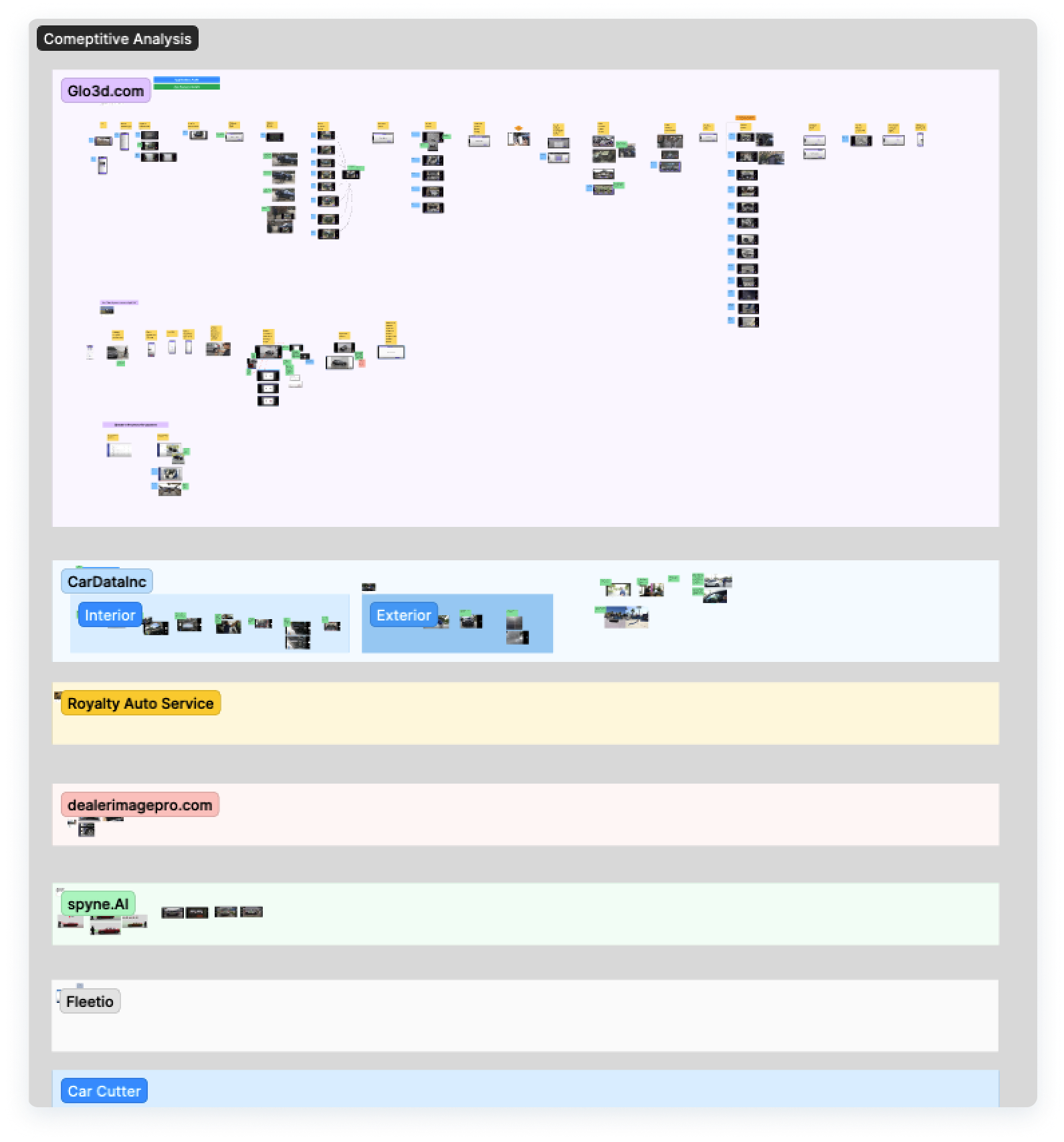
- Some competitors allowed for “walkaround” and “turn table” captures.
- Some trained their personnel on how to capture the best photos consistently.
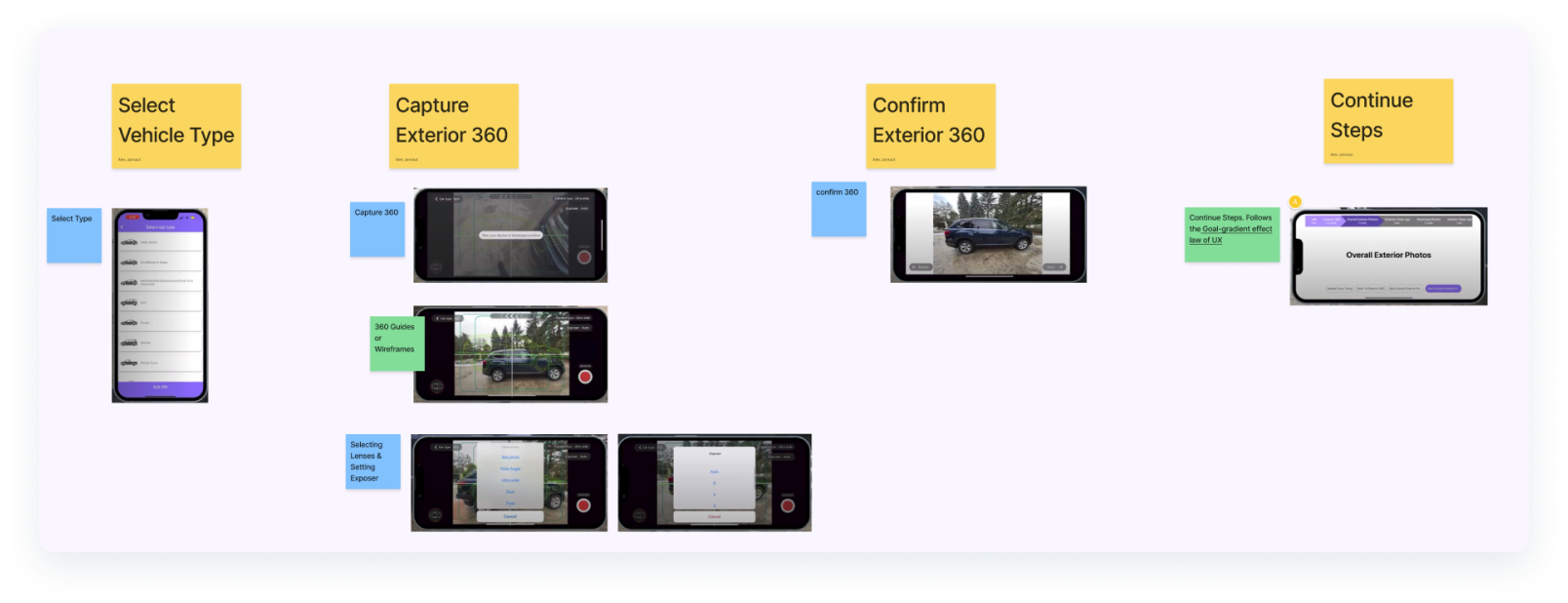
- Closeup of a few of my notes and observations for one competitor (Glo3d)
Spin 360° would need to function on Android and iOS since our users use Tab Active Pro tablets (Later upgraded to Tab Active 5) and iPhones while they are on dealerships’ lots. We defined different user flows for how to capture the 360°, when to capture specific photos, when and how to connect to a Ricoh Theta 360° camera for interior shots, and how to finalize the report.
This was all keeping in mind previous findings from user interviews where we learned about their experience while working in different weather conditions, locations, exposure to sun glare on their screens, and more.
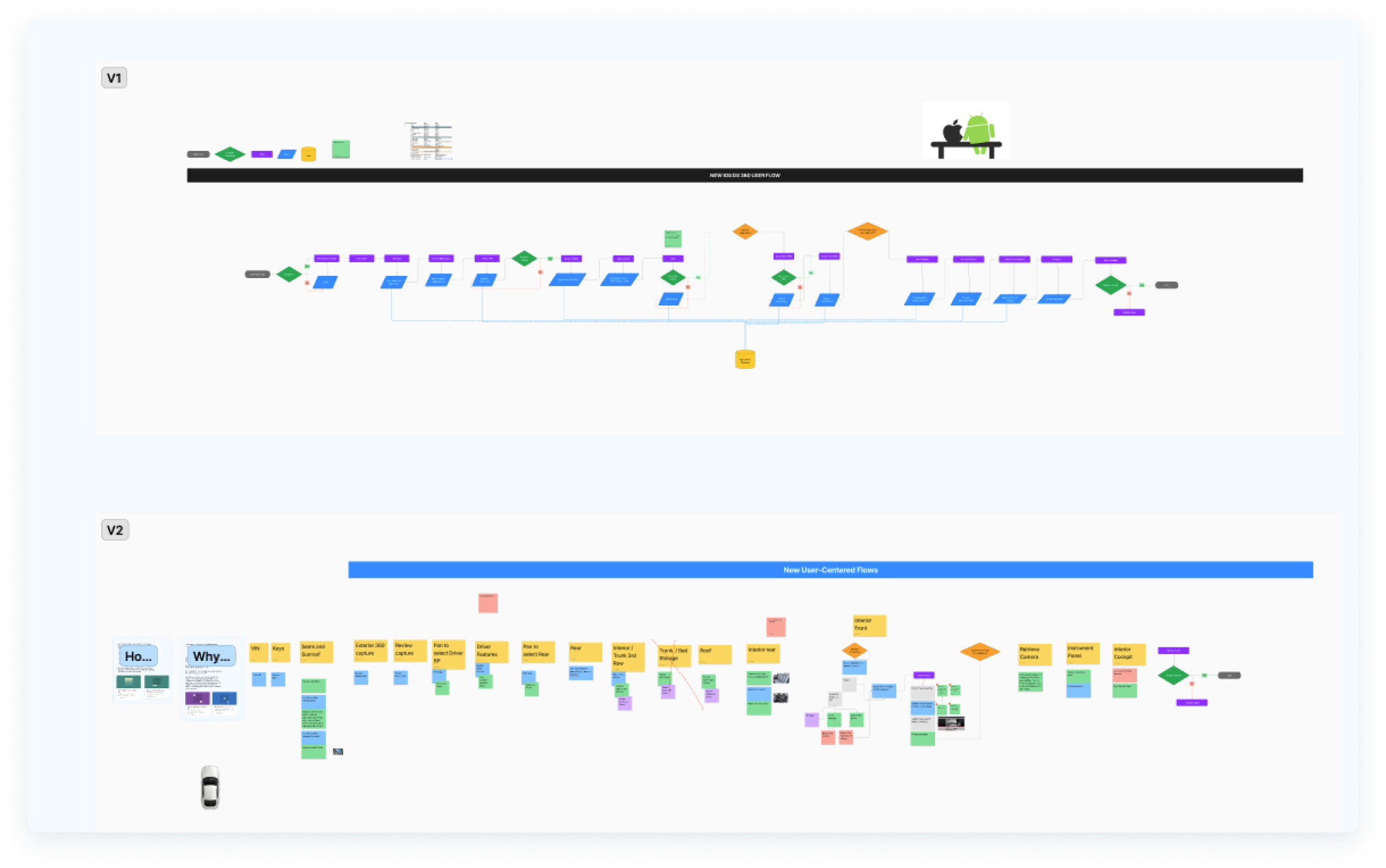
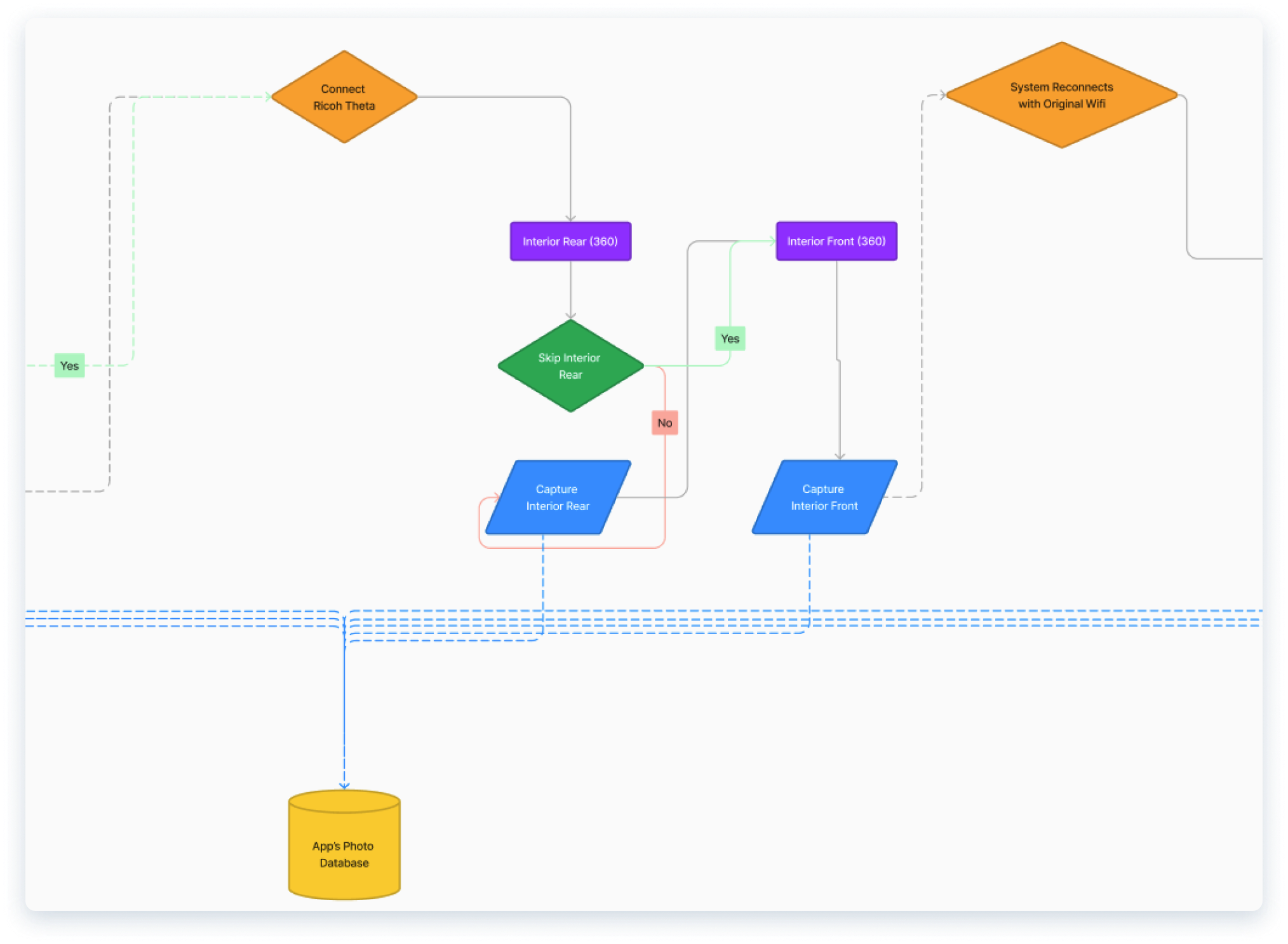
- Closeup of the Ricoh Theta 360° camera connection flow.
How might we make our users’ experience even better apart from only optimizing the App’s Interface?
To substantiate some of my decisions on the above user flows, I followed the following laws of UX:
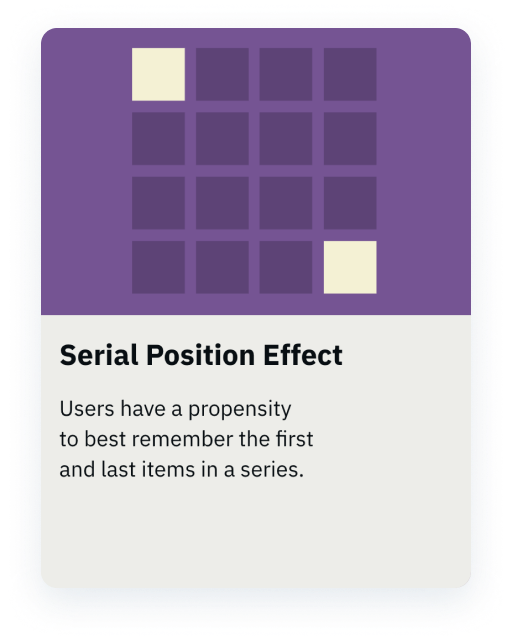
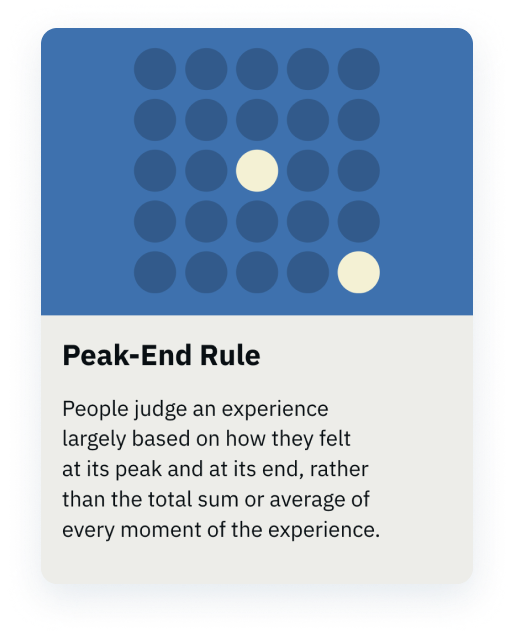
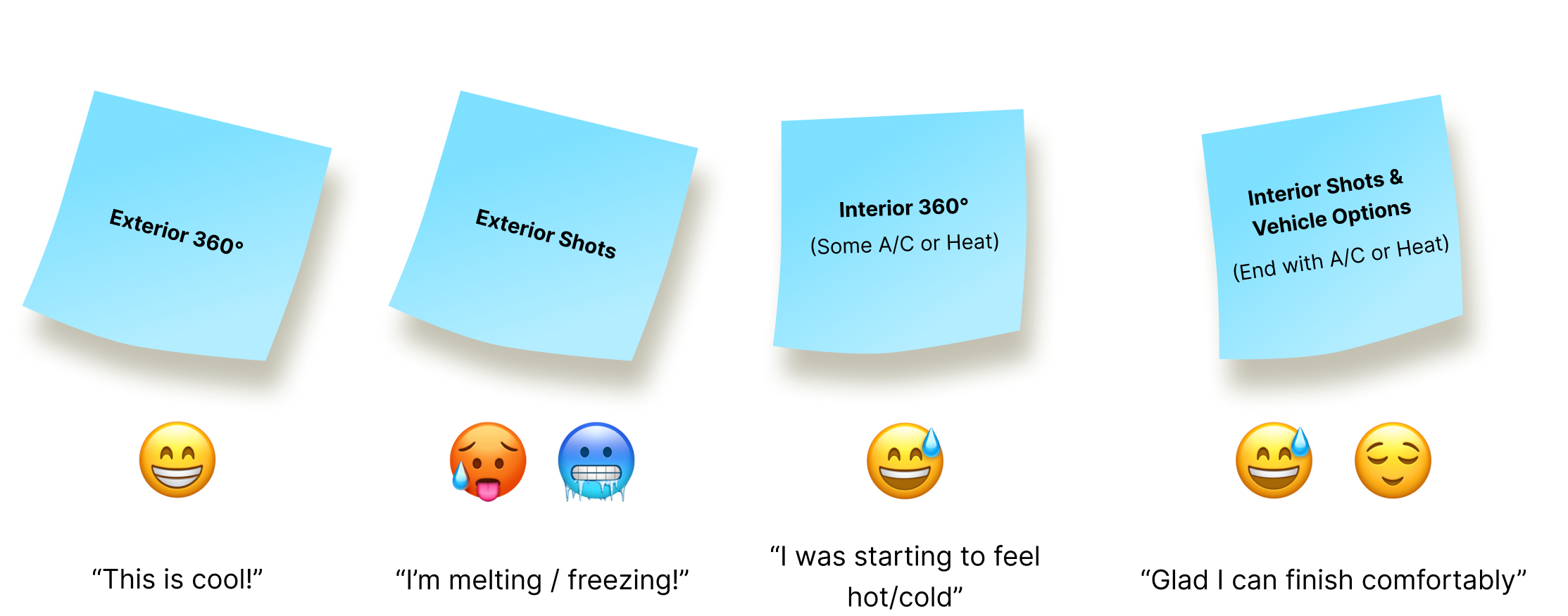
With this in mind, I started off with a guided 360°exterior shot that is interactive and described as “fun” by some users, and ended the experience with interior vehicle shots, keeping in mind that they work outside and it is generally hot during summer and cold during winter depending on their location.
Ending the experience inside of the vehicle allows them use the A/C or heat before they move the vehicle back to its original parking place.
design & Refine
Other than Devs optimizing the capture experience technology to make it smoother and use the devices’ camera stabilization and allow for 120 successive shots, some of the new UI features that were added based on the discovery findings included a “Turntable” capture mode, refined capture buttons and indicators, guided interior 360° camera connection experience, and more.
Some dealerships prefer to capture vehicle 360°s on a turntable, and others prefer a more natural walk around capture; hence the ability to easily switch between modes.
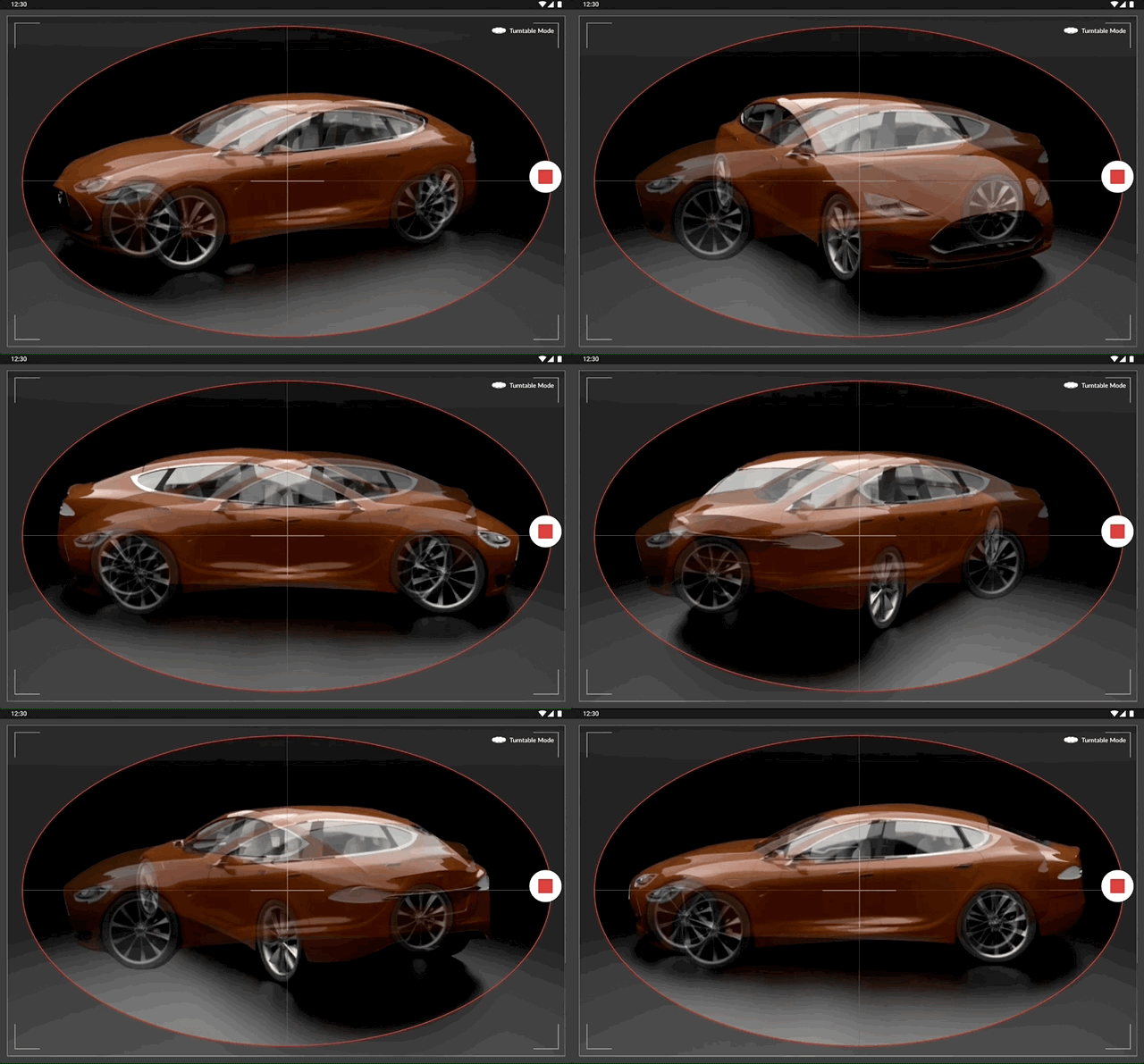
- "Turntable Mode" Figma Prototype.
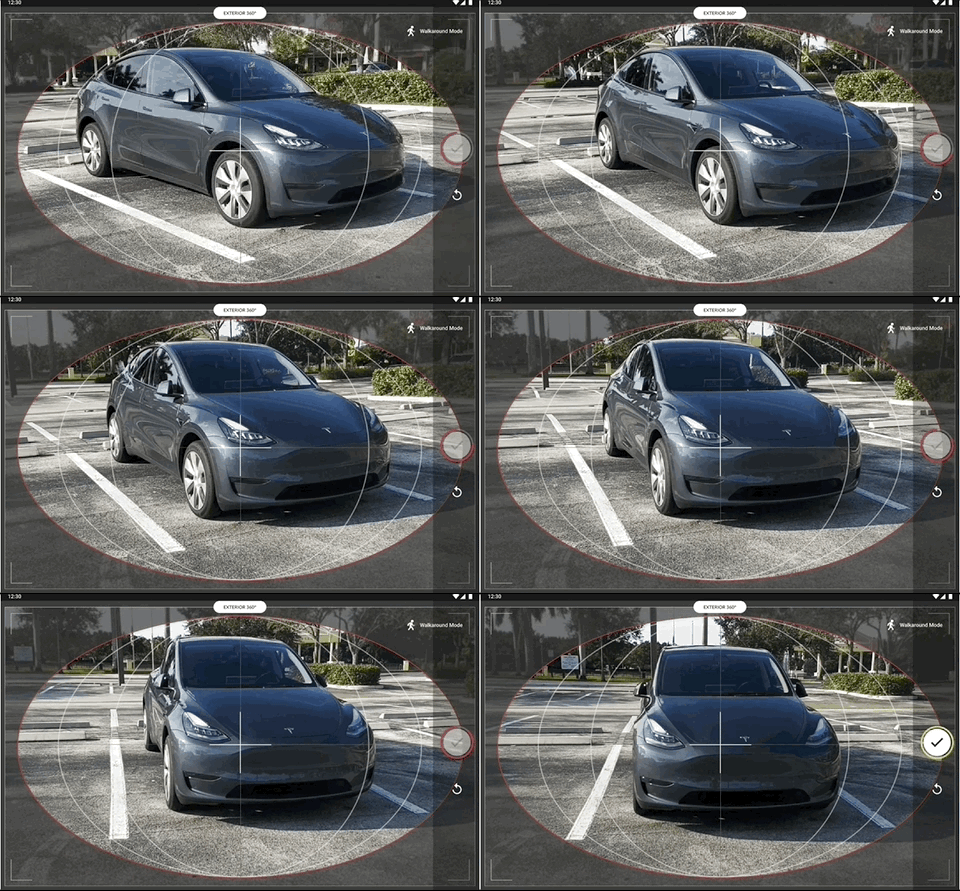
- “Walkaround Mode” Figma prototype featuring footage I captured in a parking lot with my vehicle, immersing myself in the perspective of our end users.
.gif)
- Interior 360° camera connection Figma prototype.
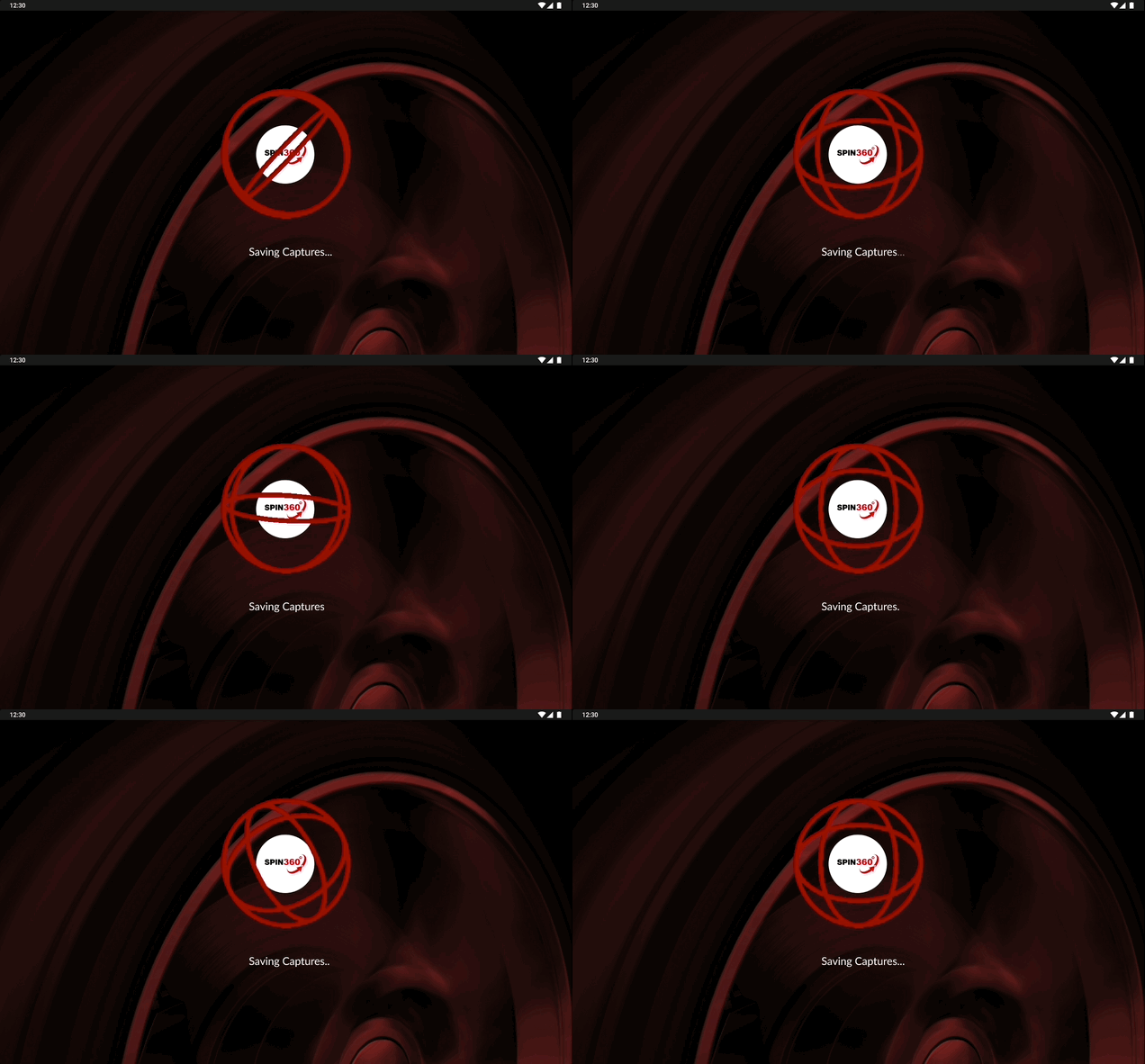
- Every transition in the app was very static or did not fit the overall product style. Instead of this vehicle image that looks out of place, I introduced loading animations using Lottie files.
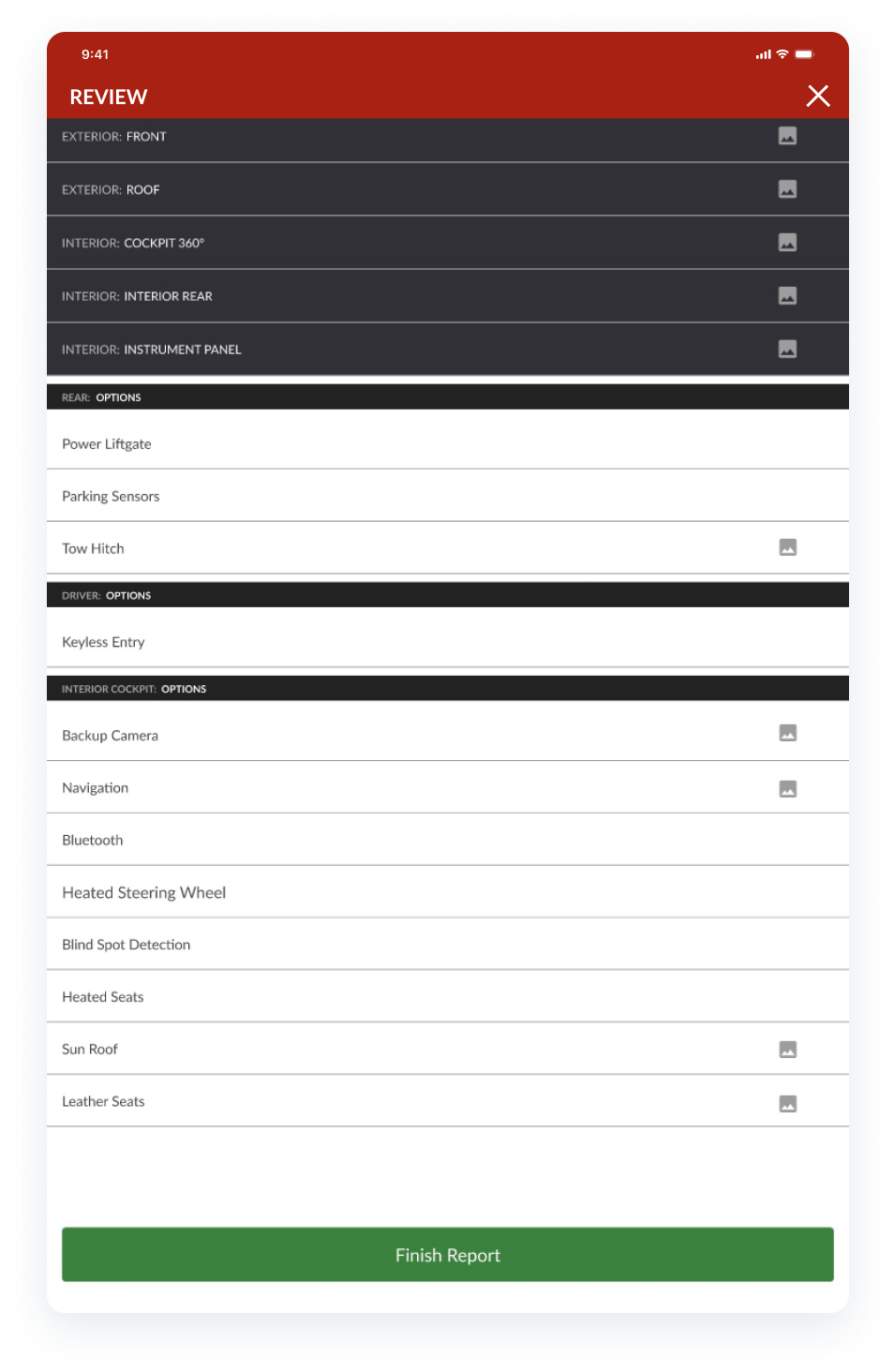
- Review screen
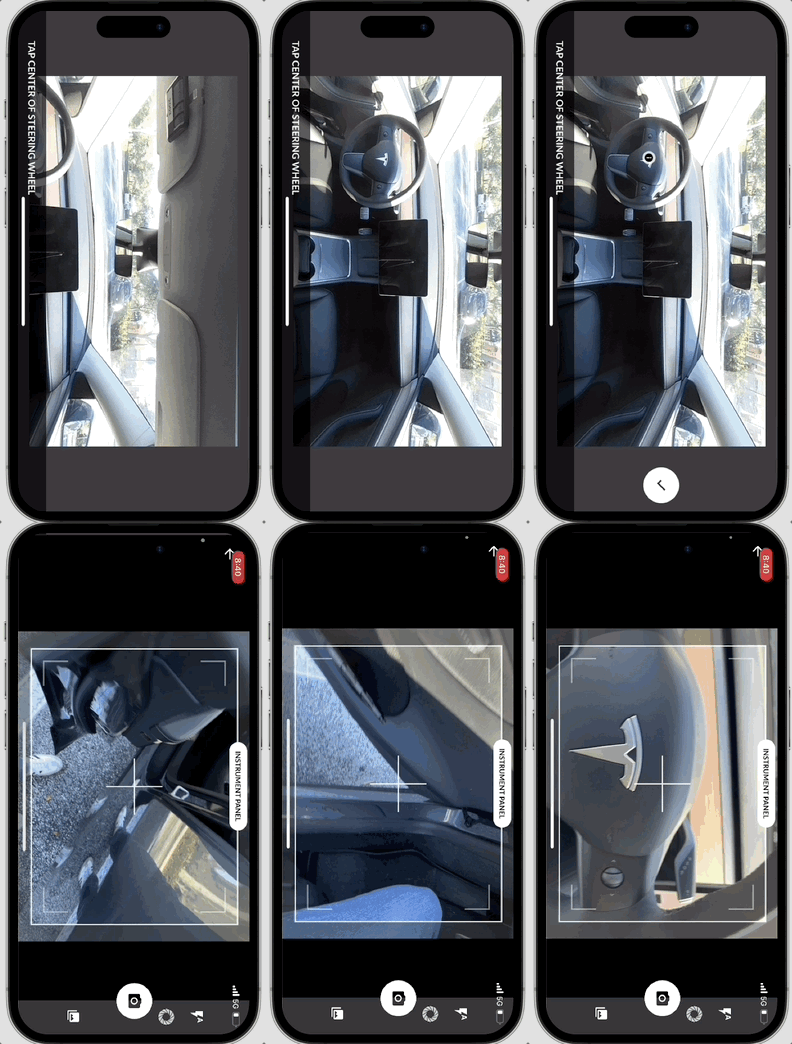
Our team found that some users struggled to position the 360° camera (Ricoh Theta SC2) correctly for interior photos. We noticed that for some of them, its design made it hard to distinguish the front from the rear. While it captures a full 360° image, it must face forward to avoid post-processing corrections.
Following the UX Law of Prägnanz which states that users interpret images or elements in their simplest form possible, I designed and tested a simple, universal wireframe guide for easy user understanding across all vehicle interiors. While some vehicles may not align perfectly with the guides, this simple solution ensured a 100% success rate in preventing backward camera placement.
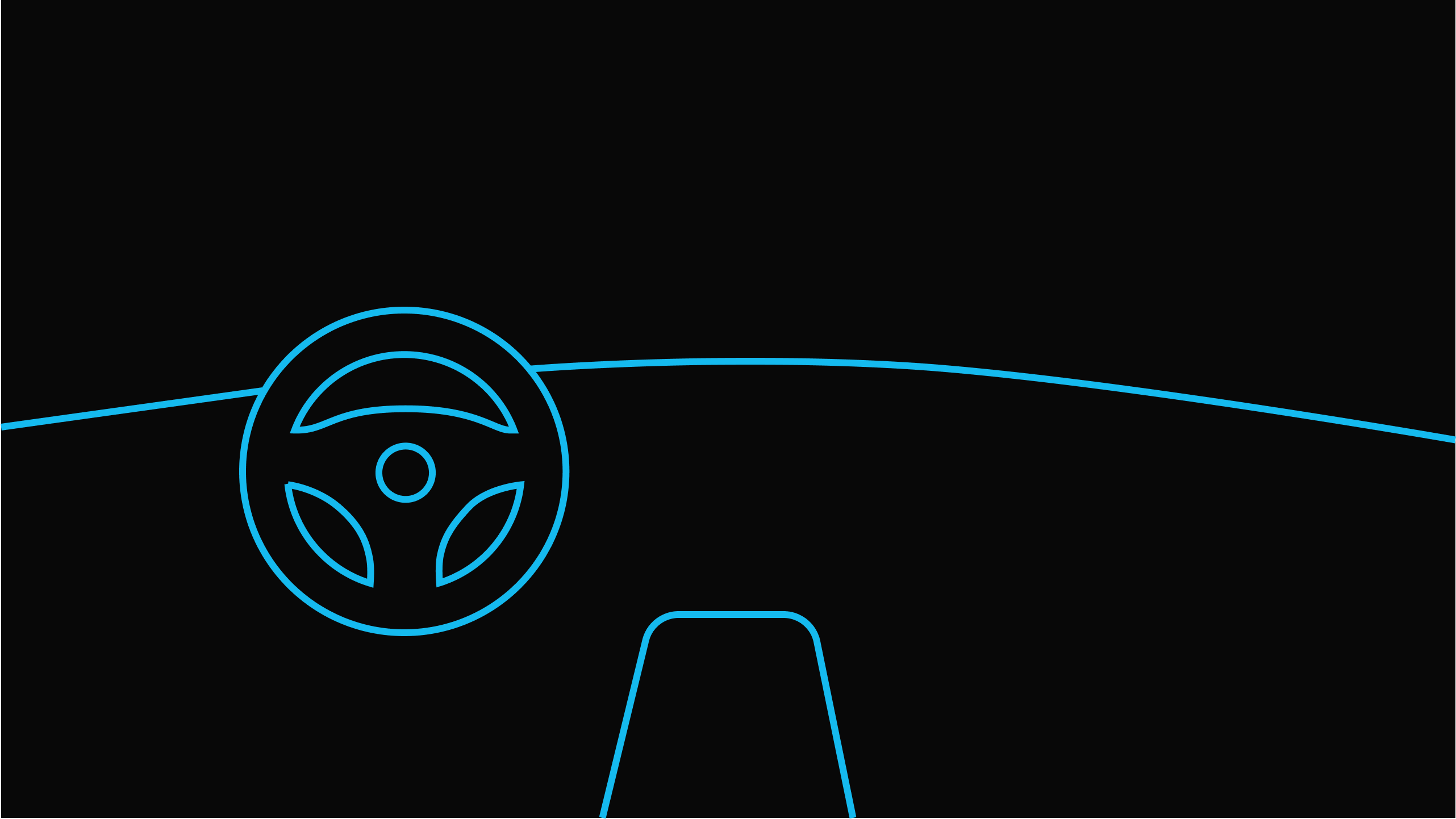
- This solution also automated hotspot placements by having users tap the steering wheel center, allowing the system to generate coordinates for the rest without manual input.
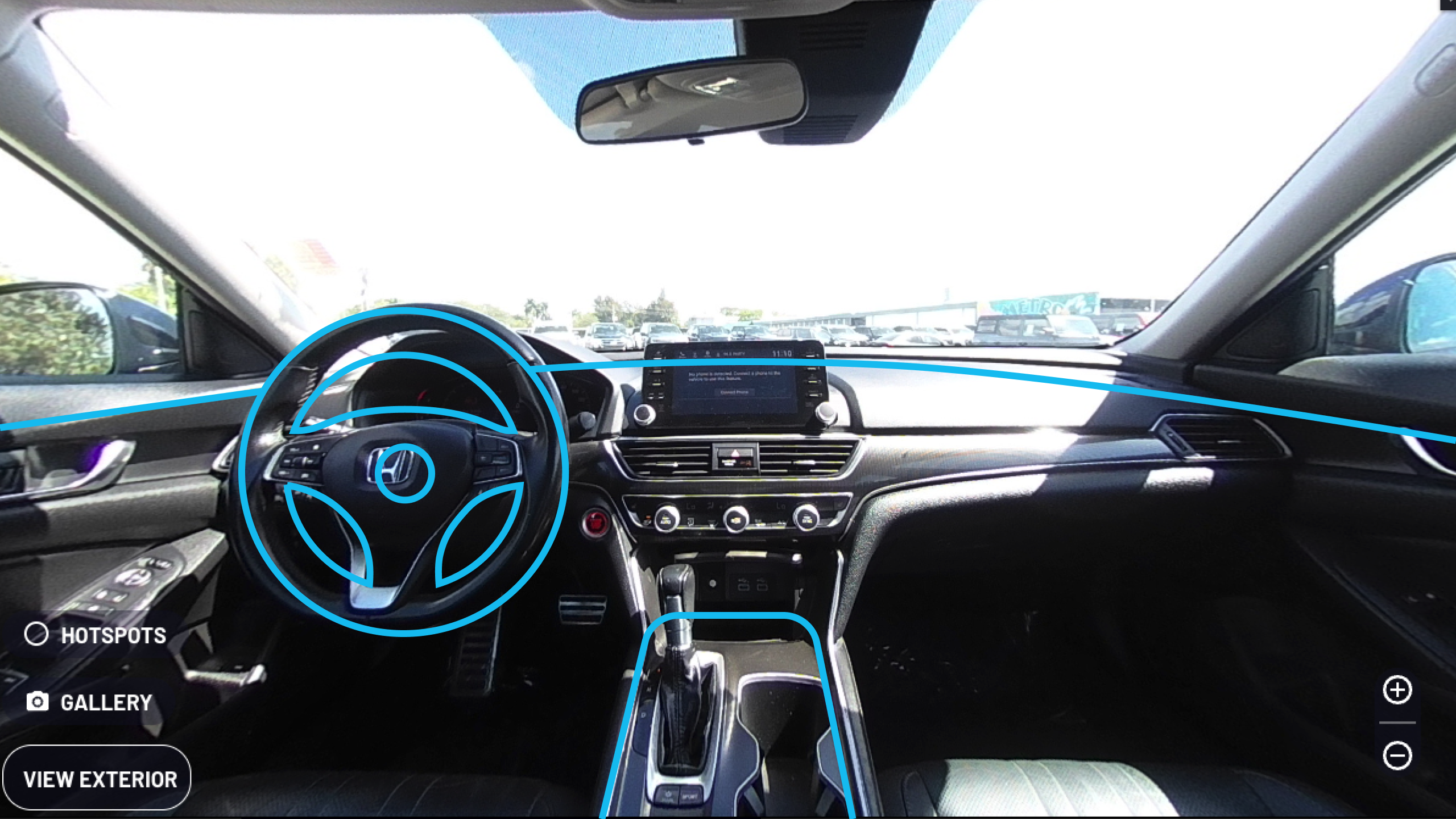
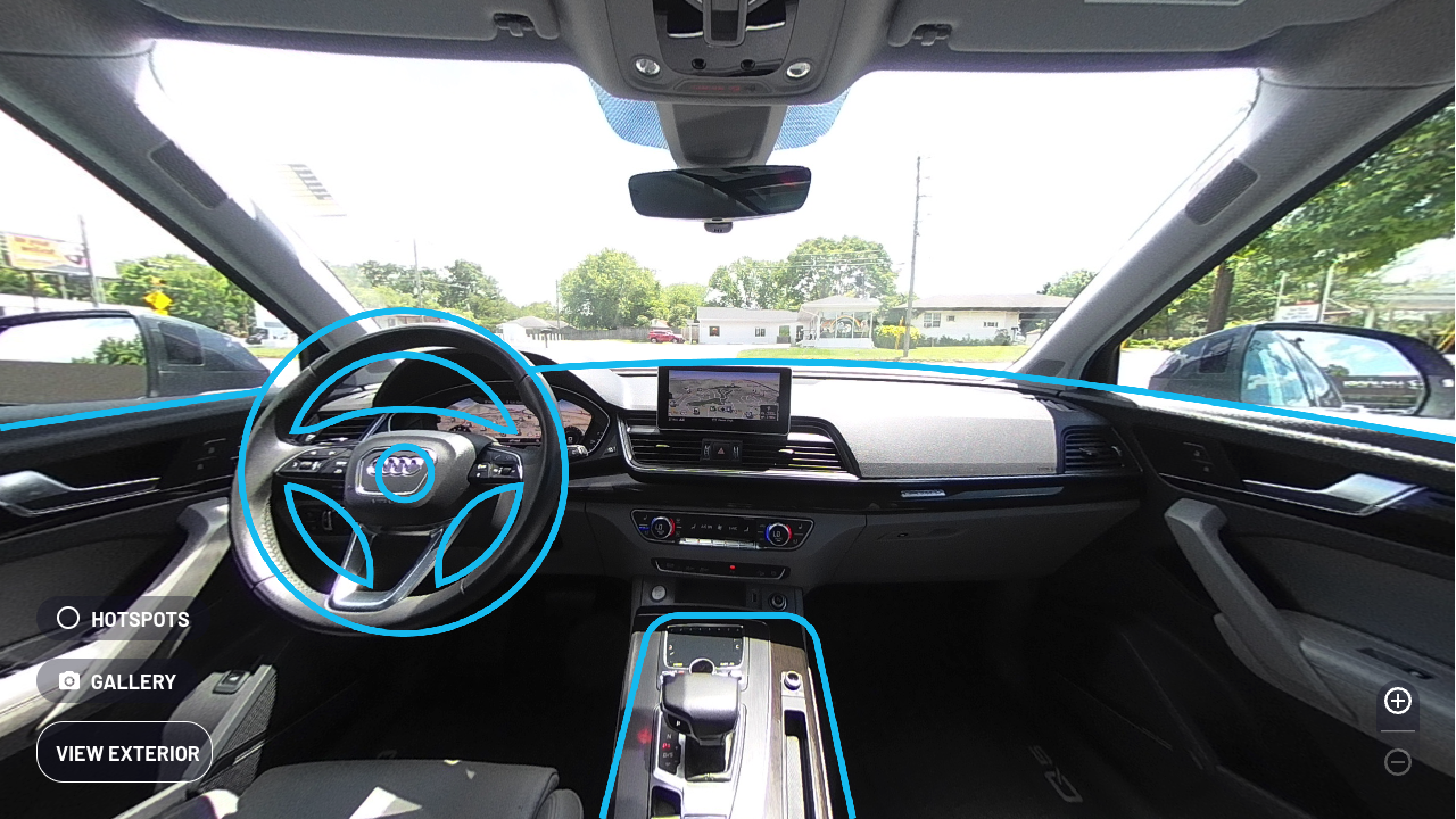
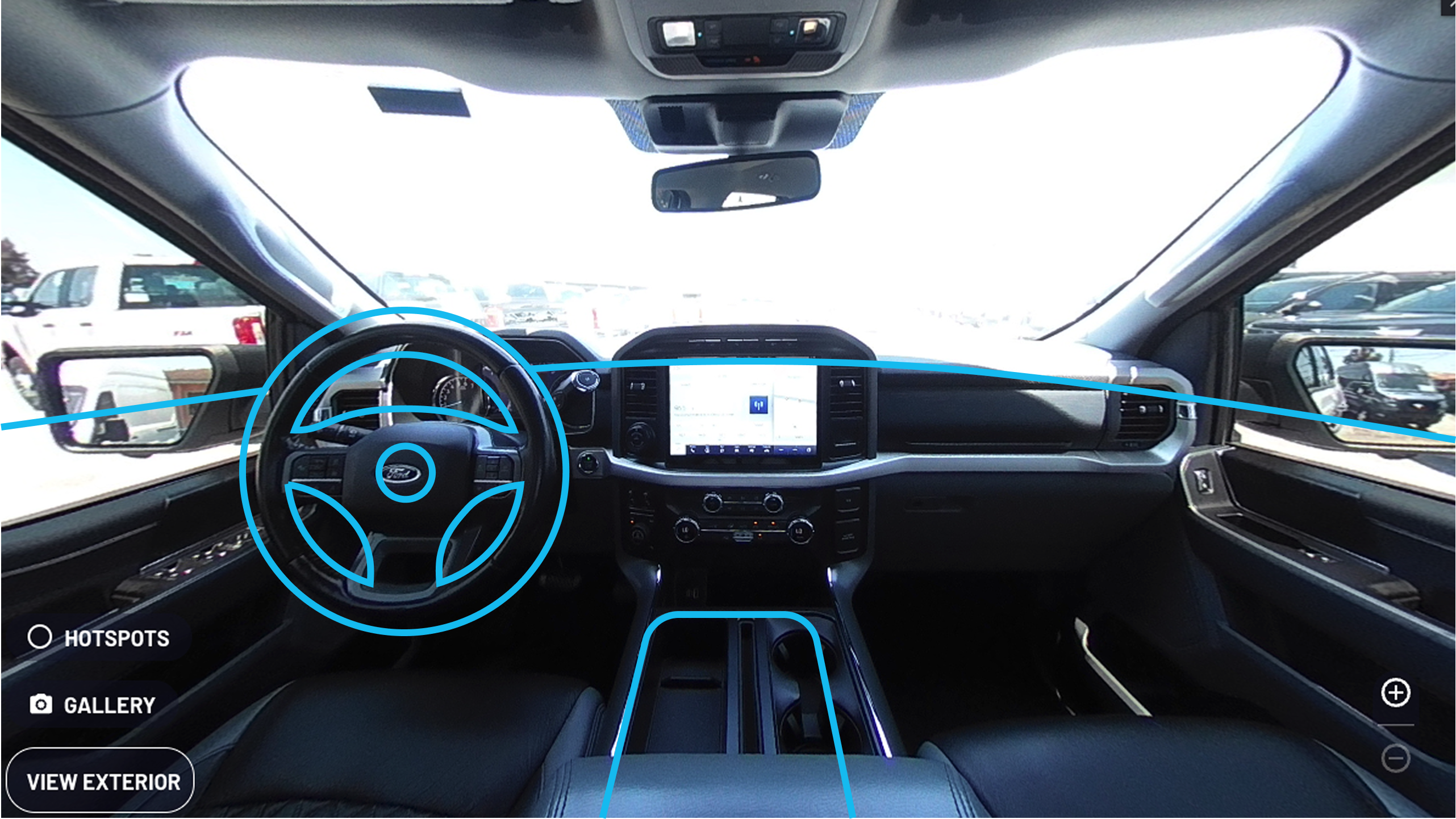
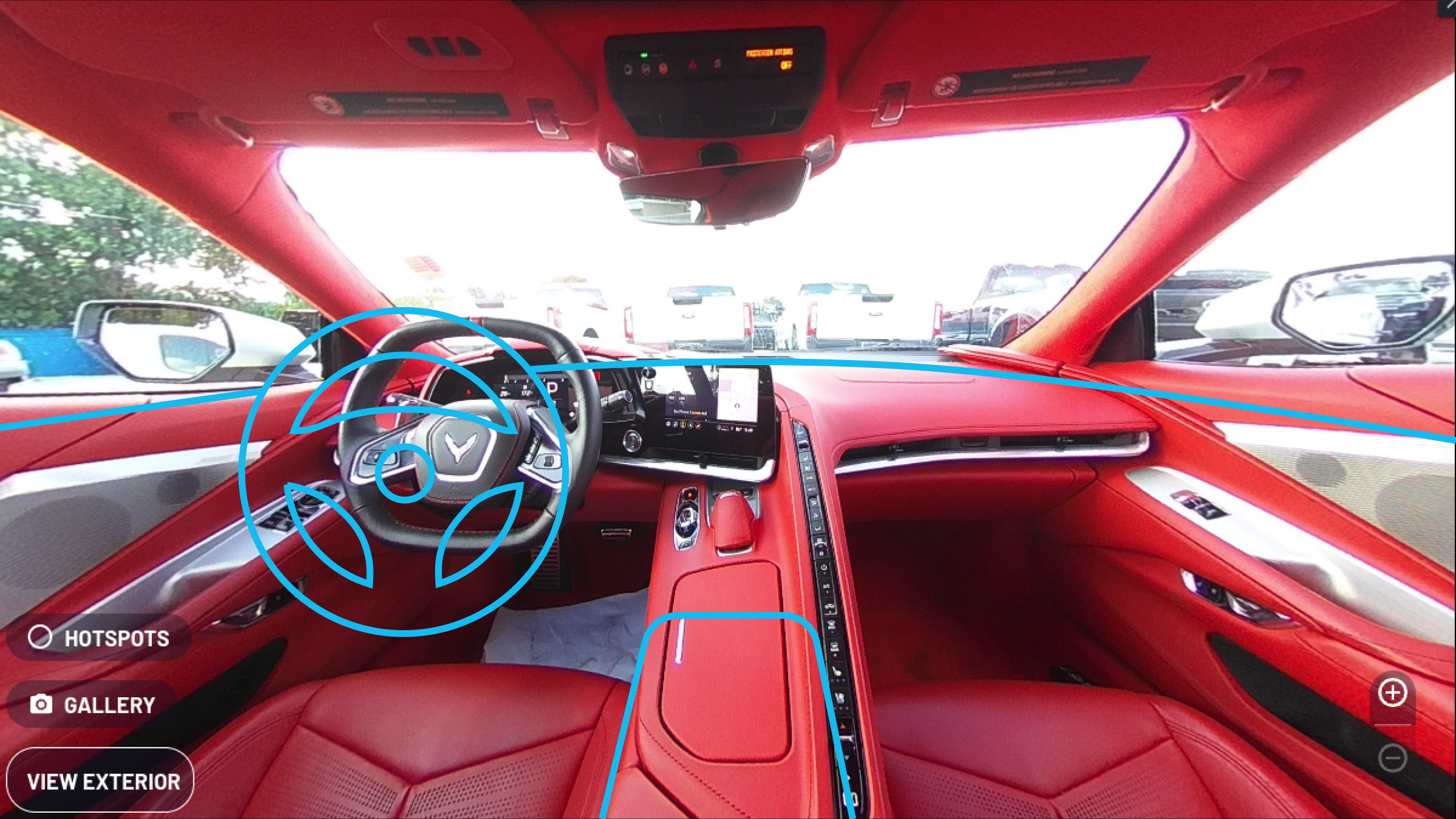
- Tests of the guides on previously captured vehicle interiors with optimal front cockpit images.
Once the mobile app designs were tested and finalized and we measured a NPS score of 80 from our end users, I optimized the online view of the final 360° spin and their badges, which lead to increased user engagement online.
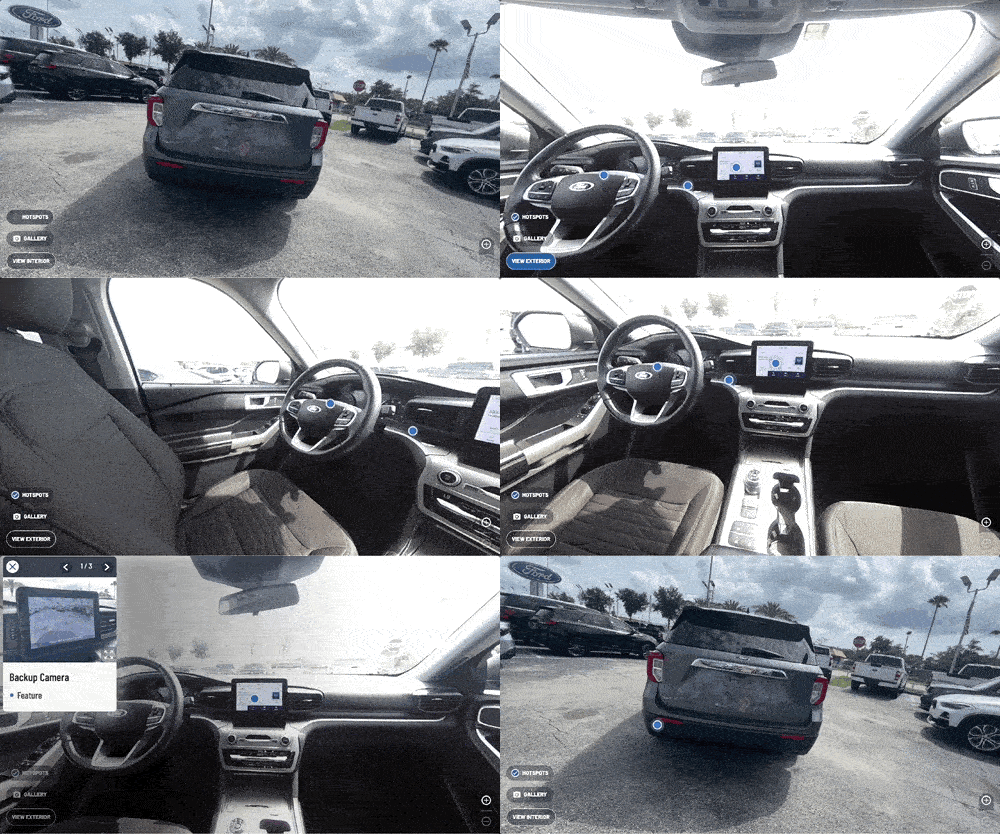
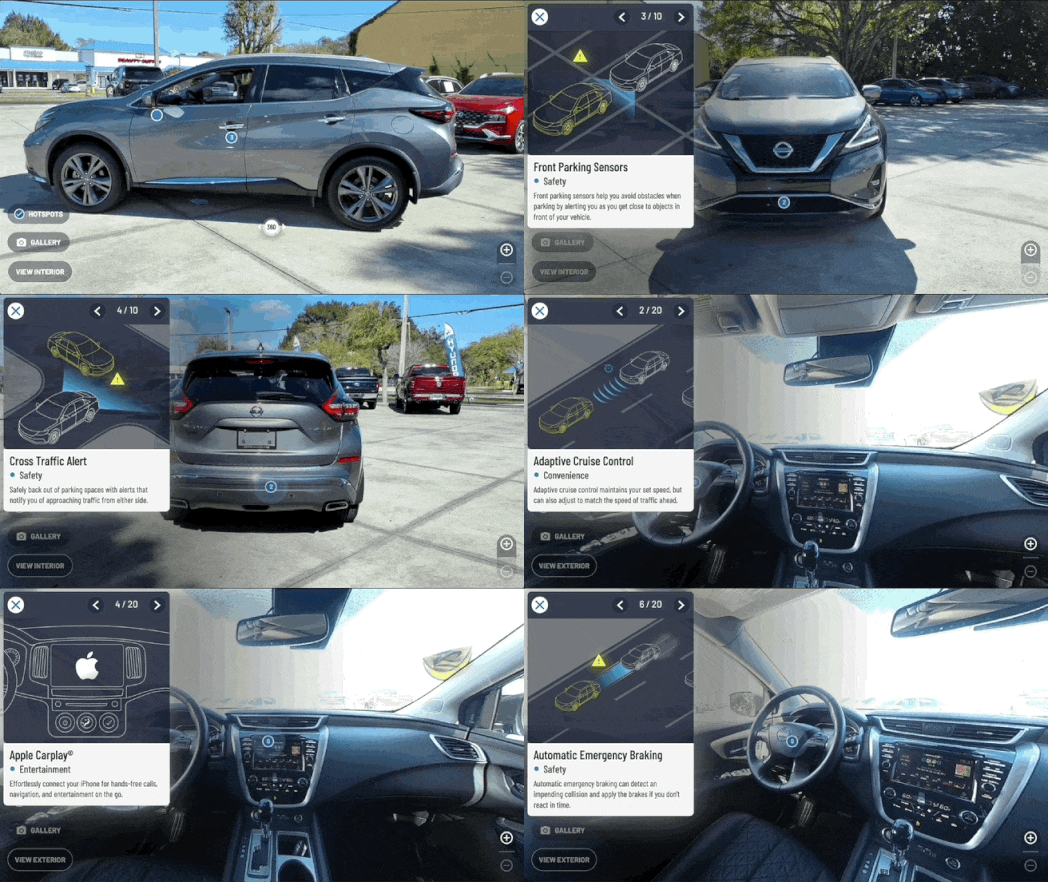
- New 360° Spin Experience (v1)
For a later more refined version, I designed a series of 50+ illustrations highlighting key vehicle features to enhance the online interaction.
This also reduced the need for excessive field photography during inspections, saving time.
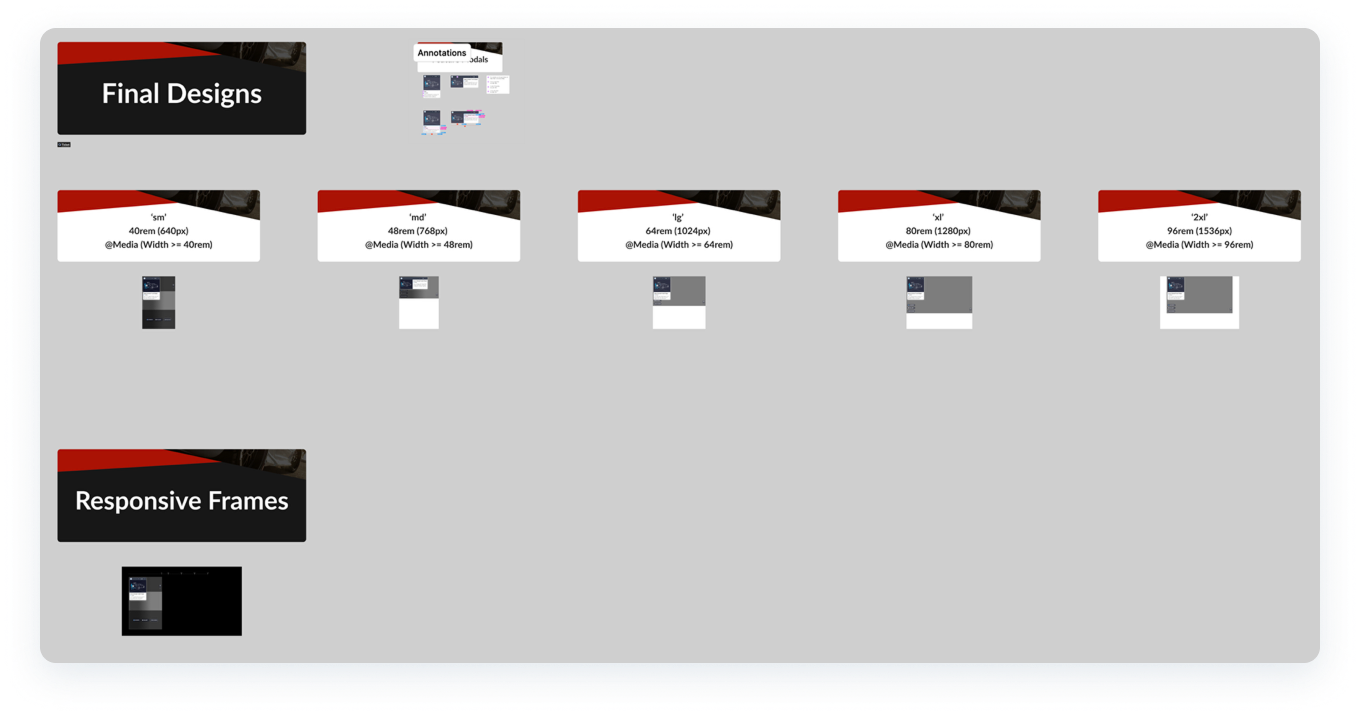
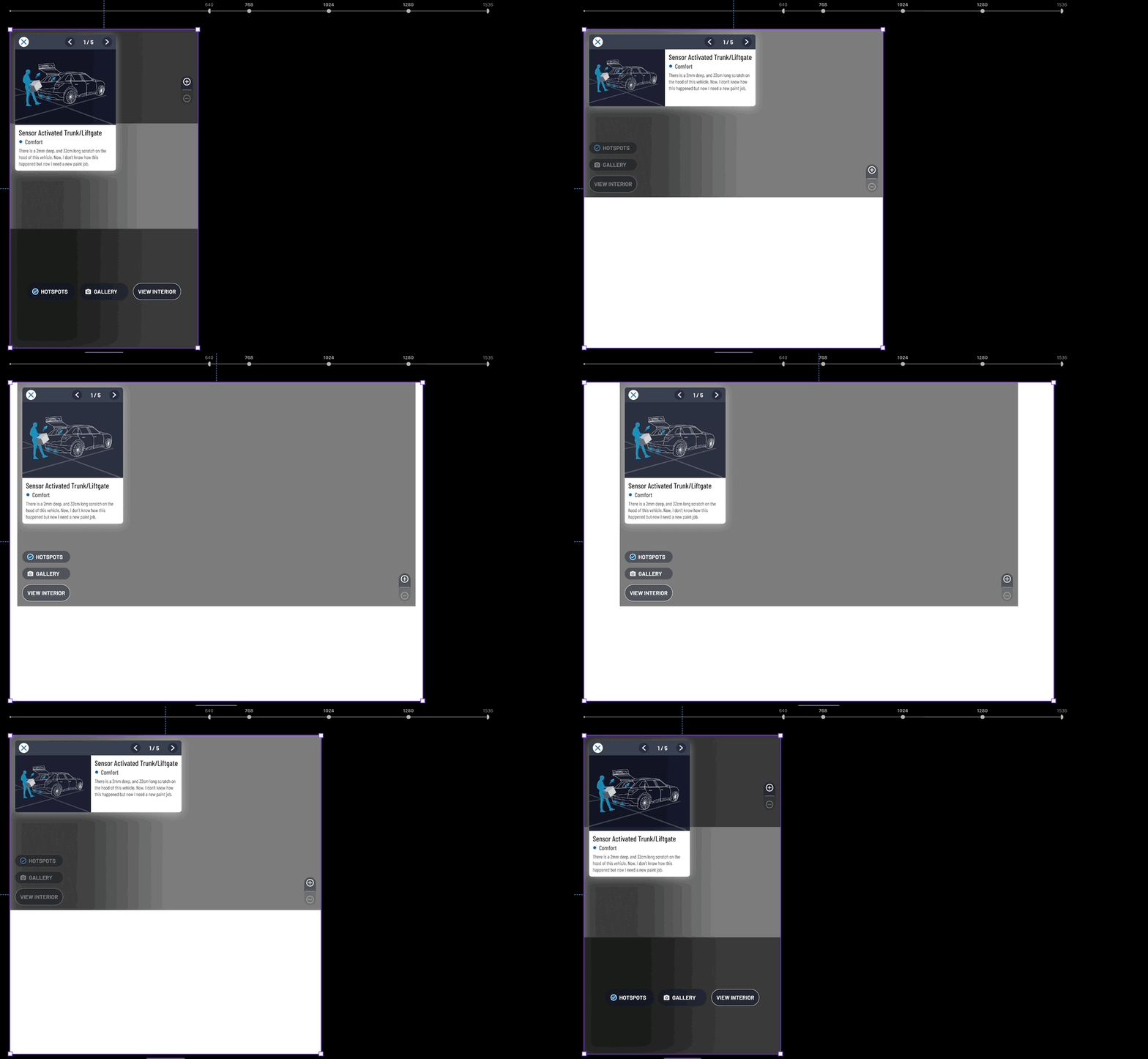
- Responsive Figma designs that follow Tailwind's parameters for seamless handoff to dev.
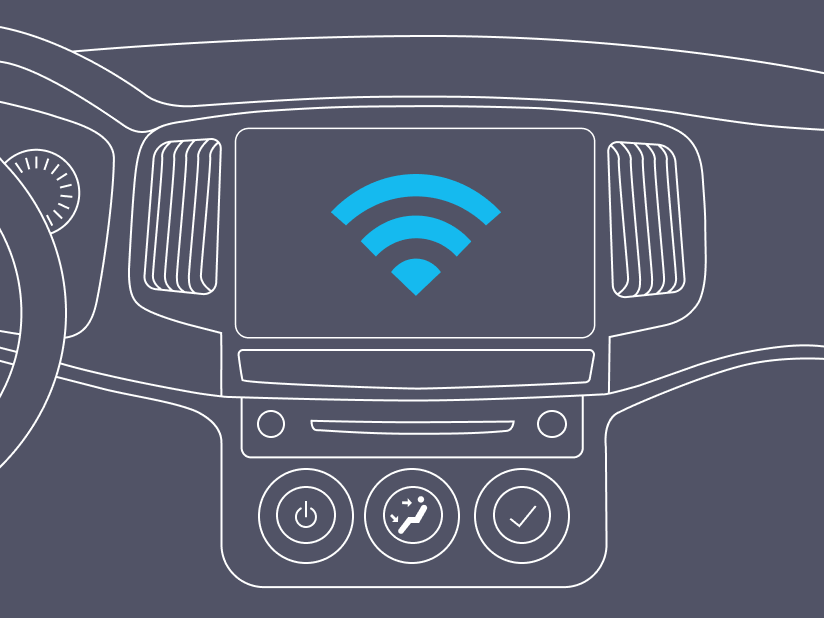
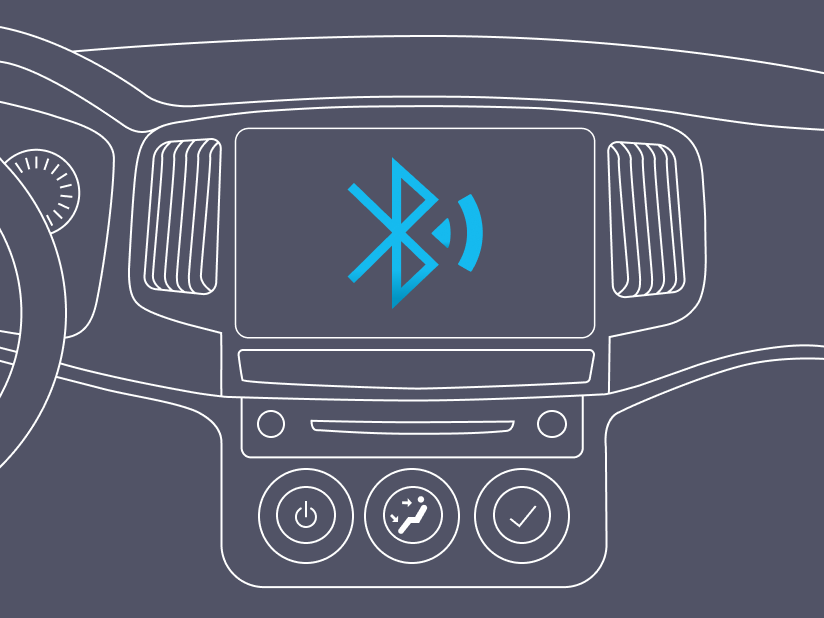
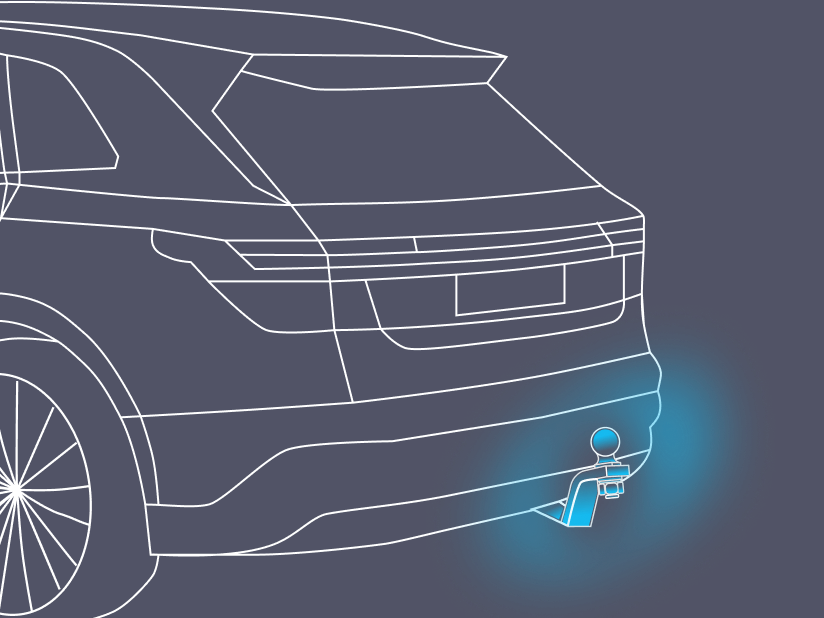
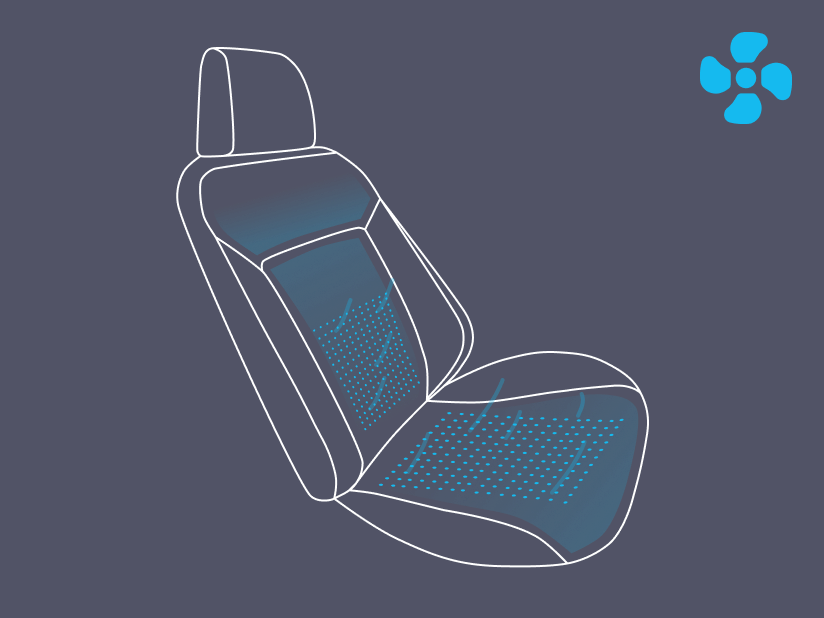
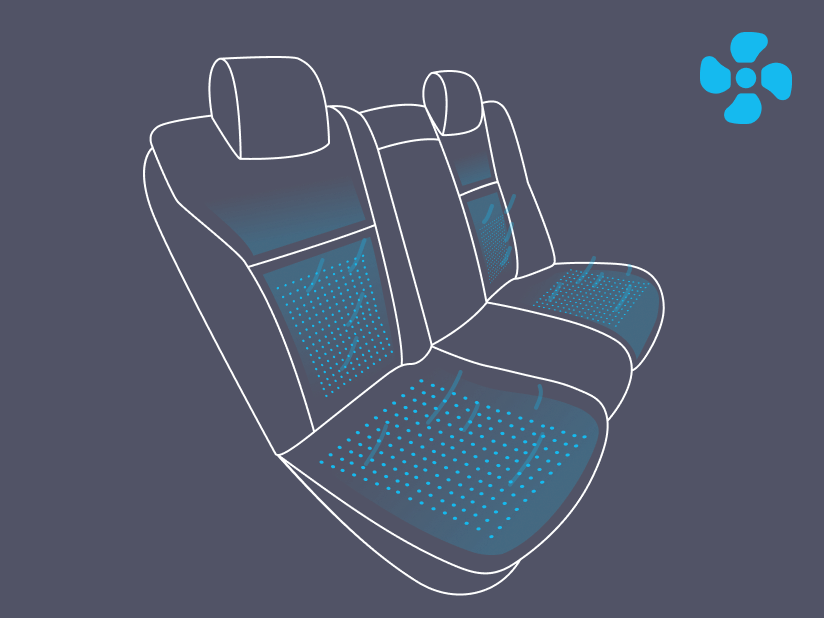
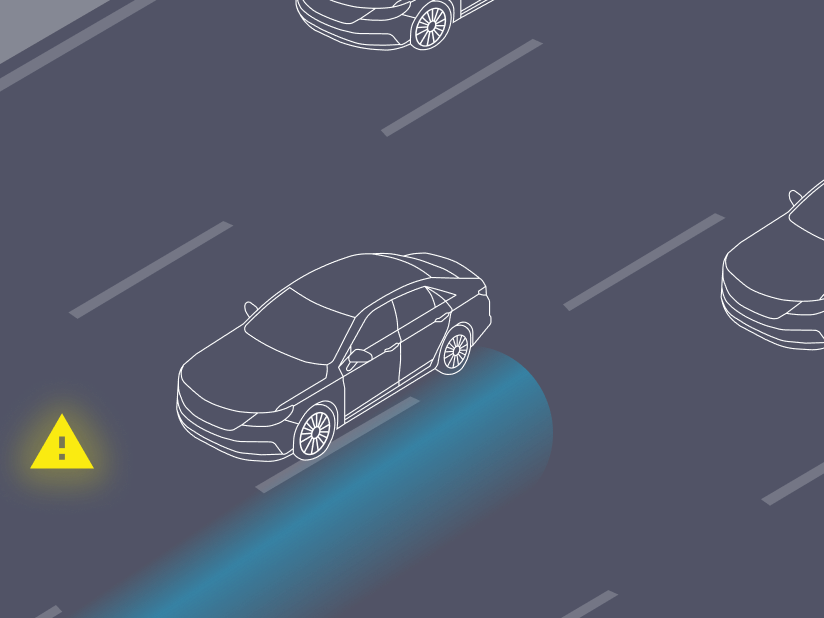
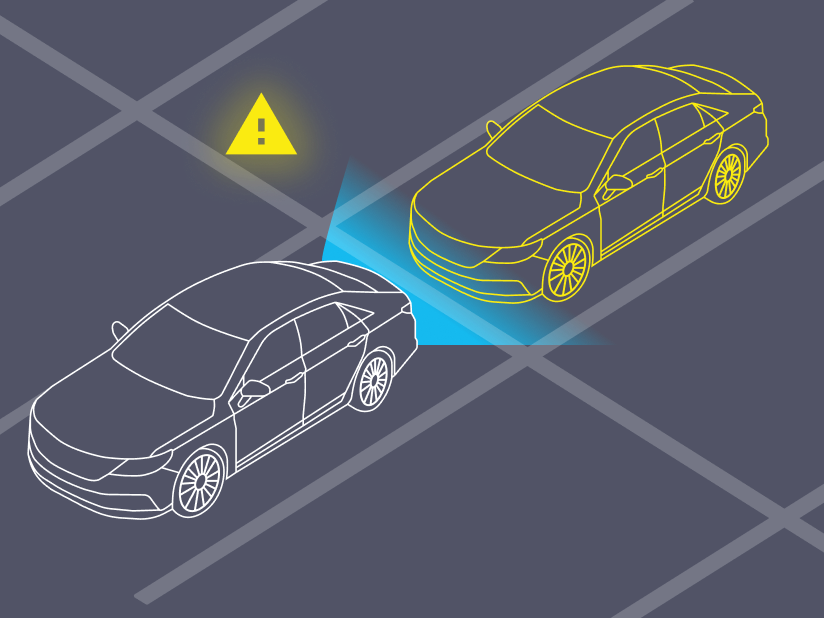
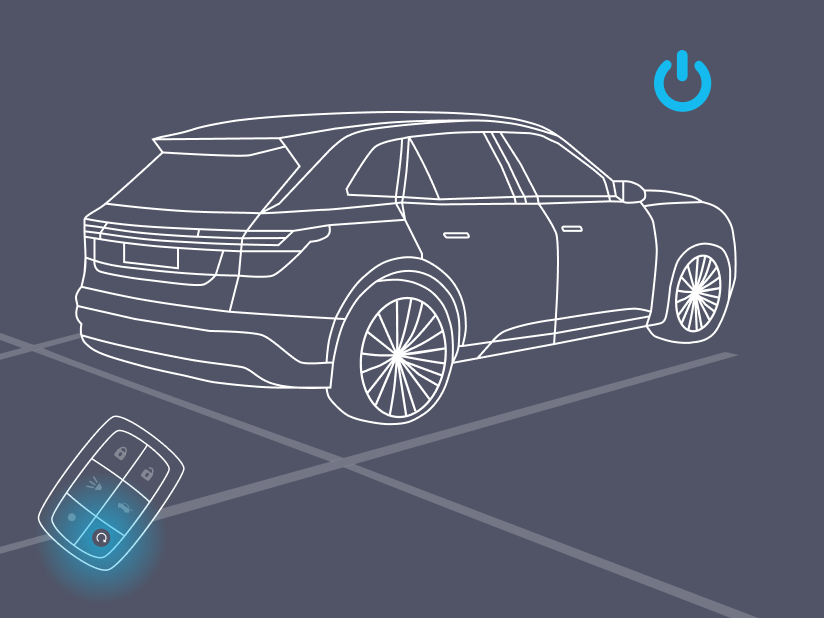
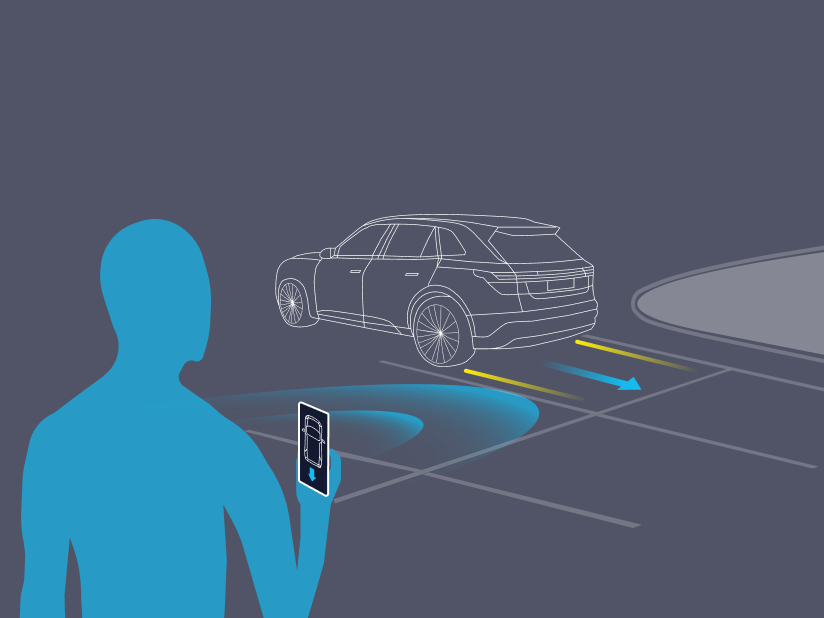
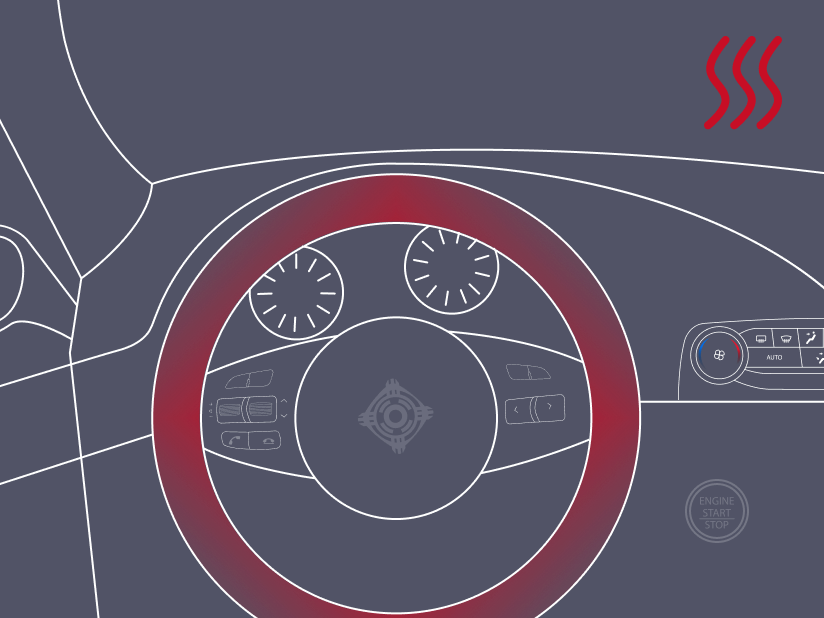
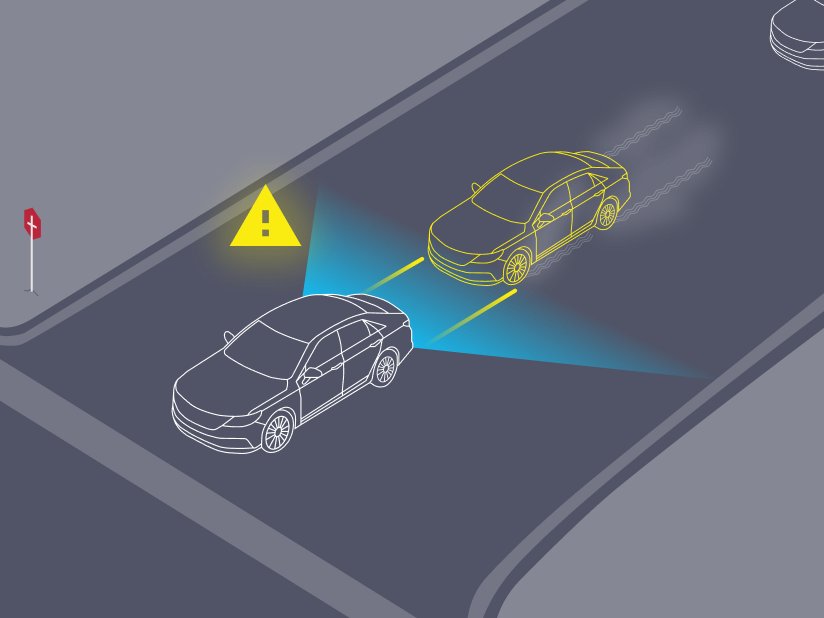


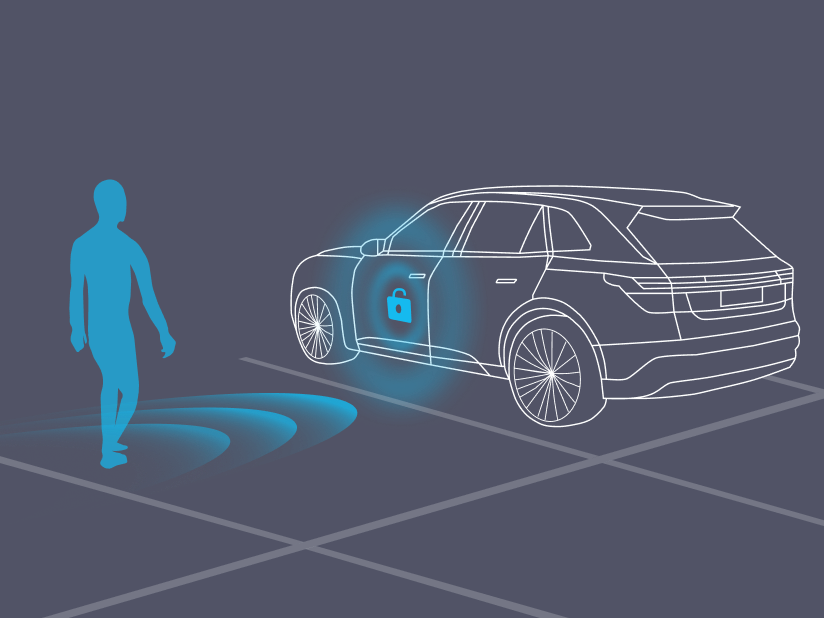
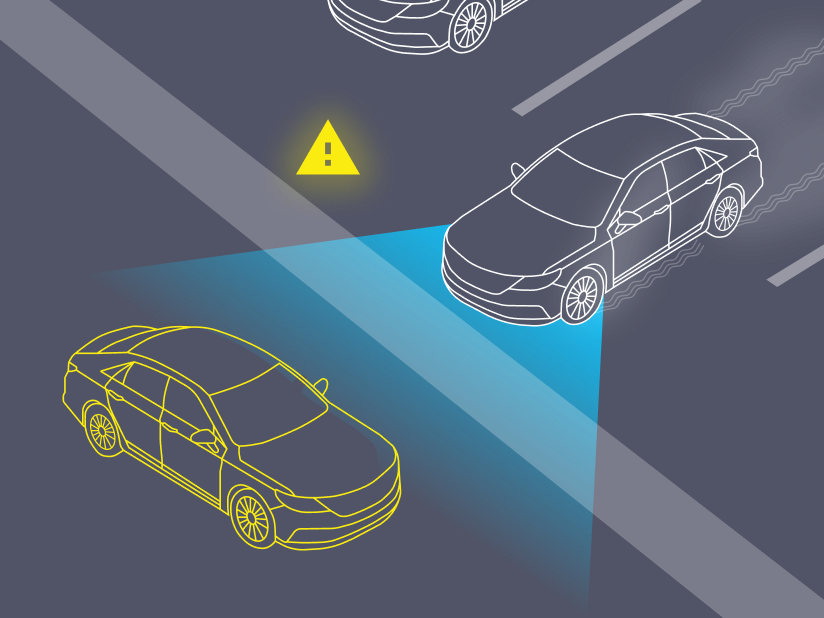
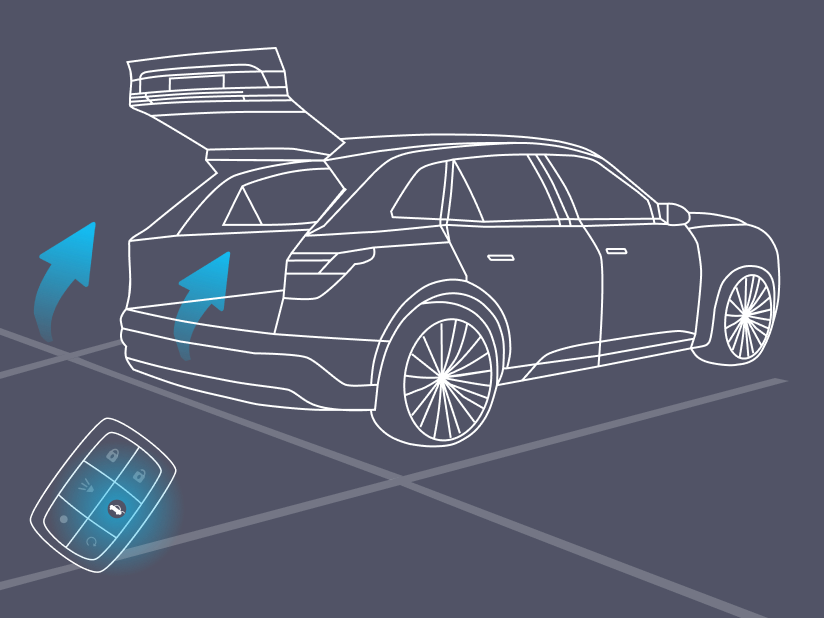
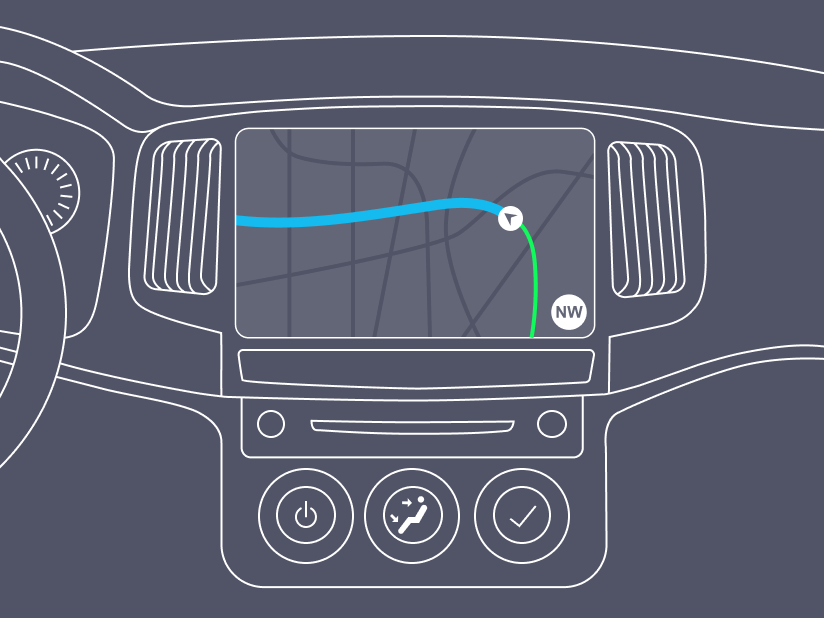
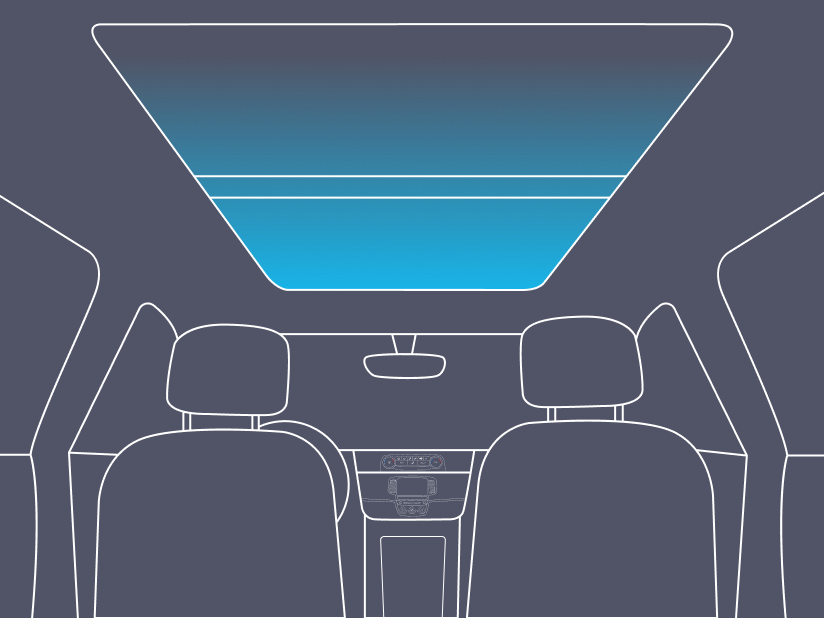
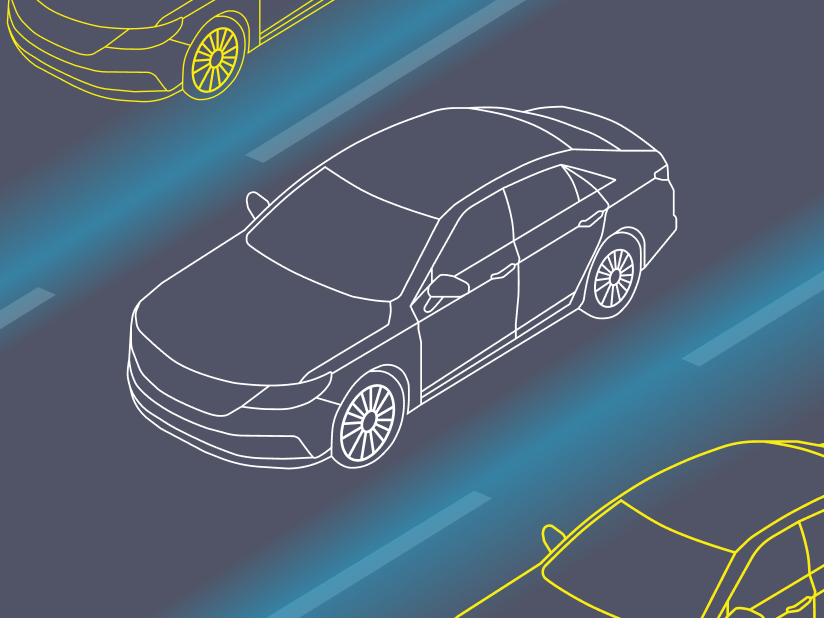
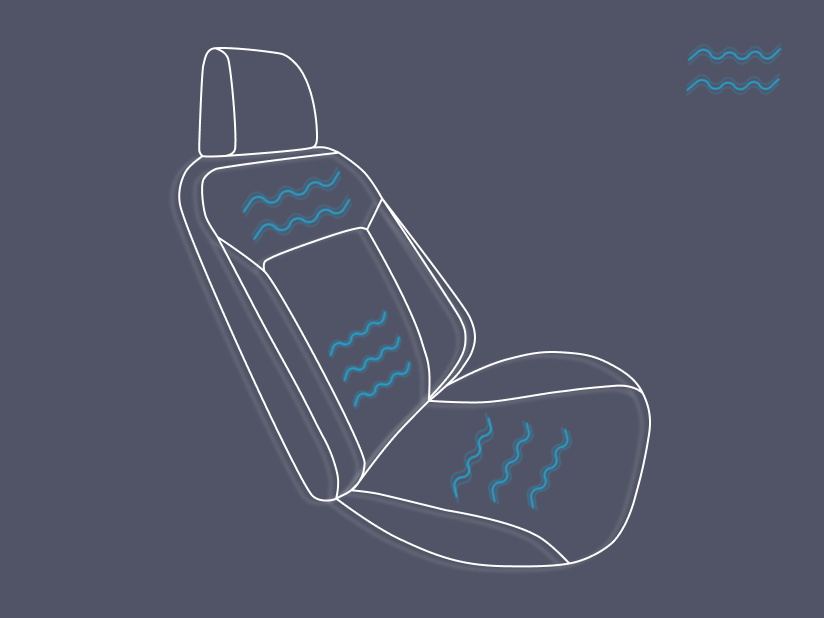

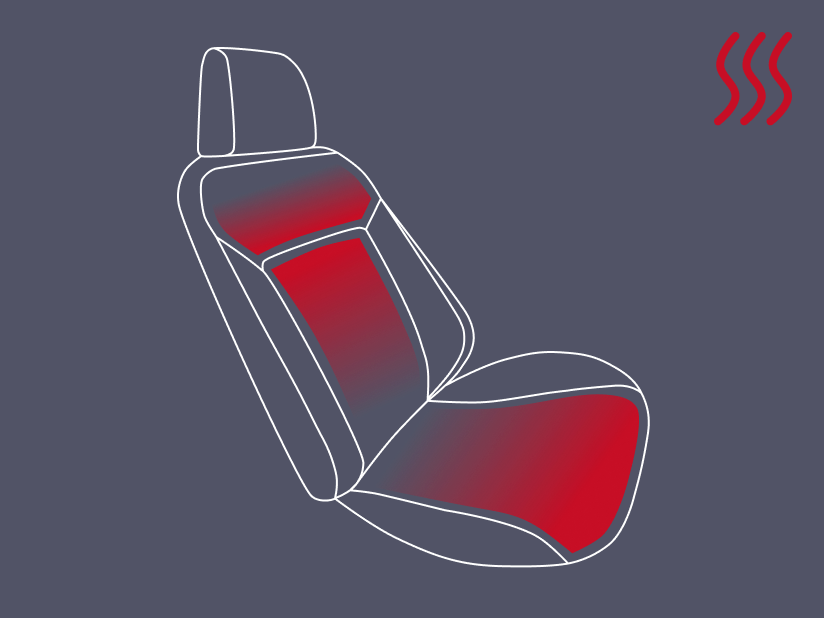
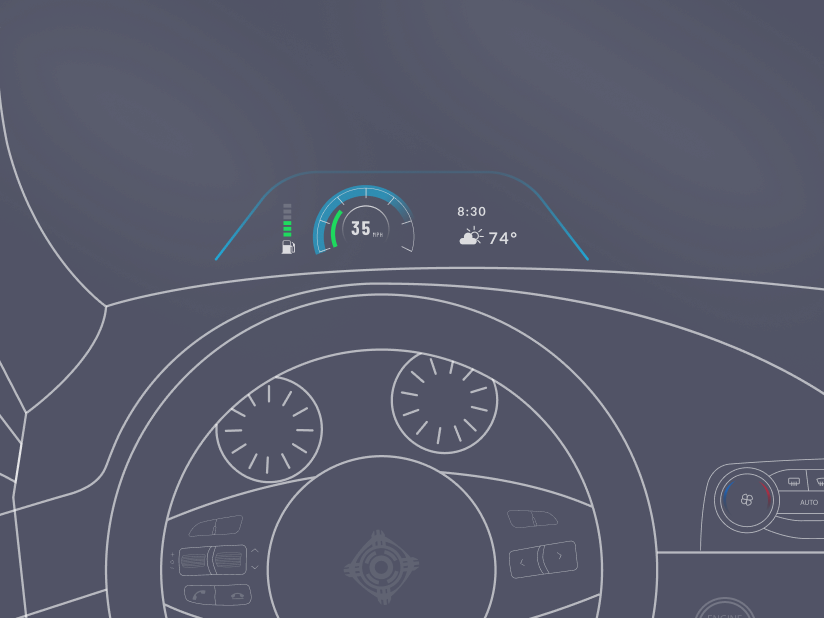

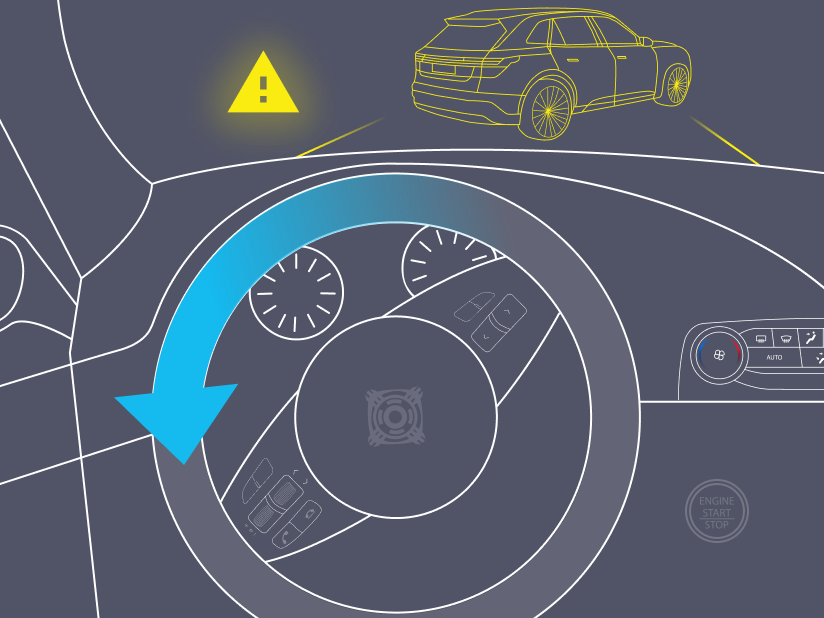
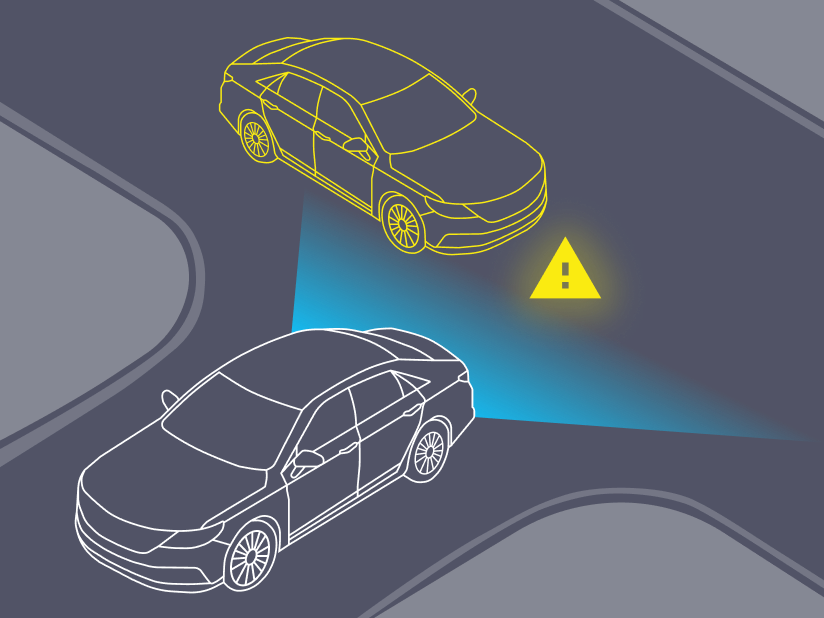
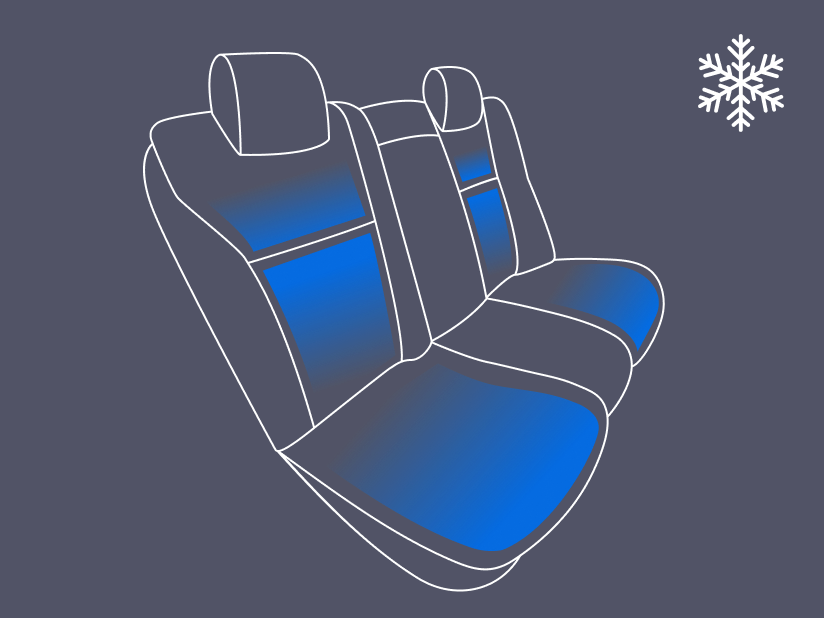
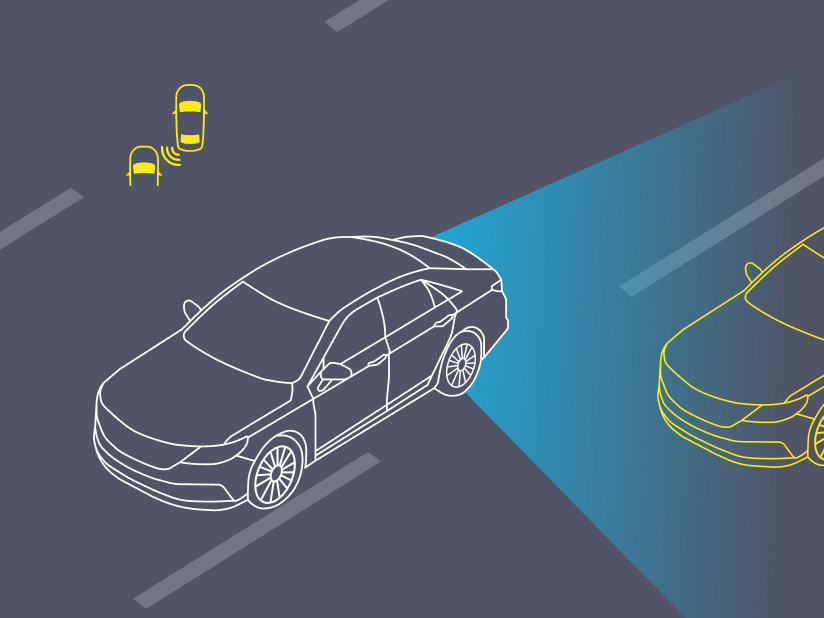
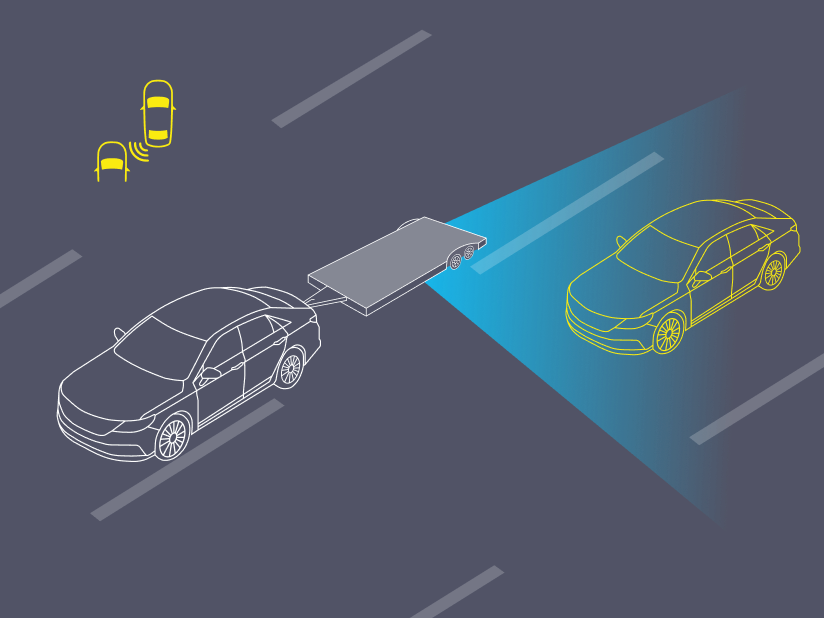
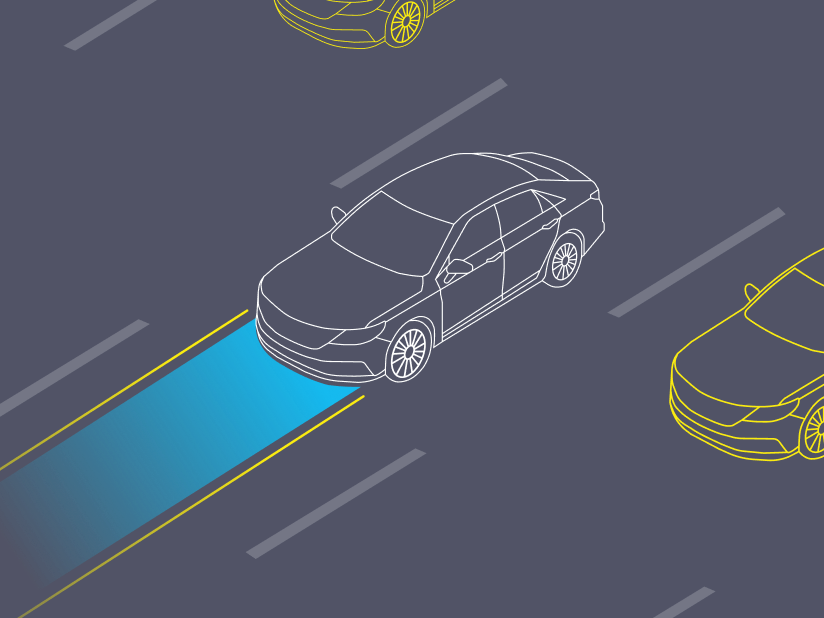
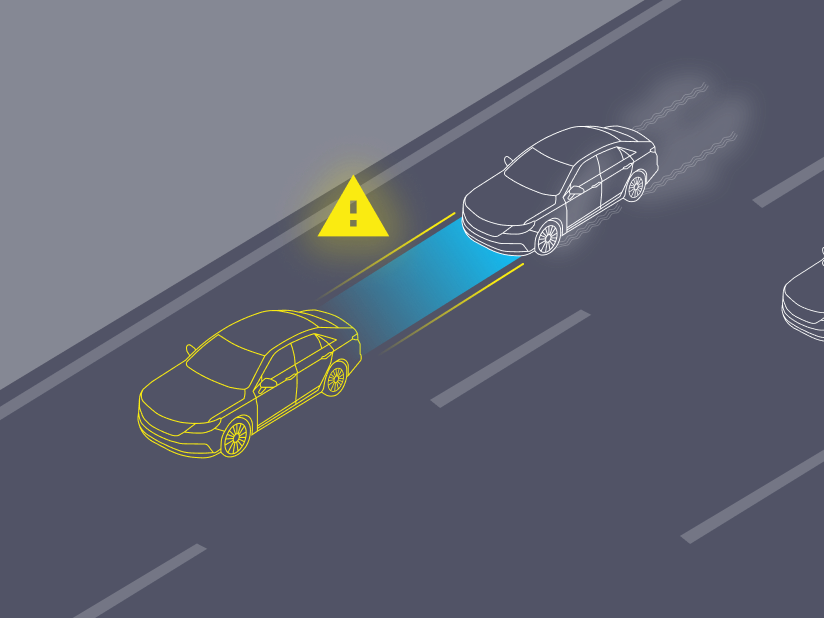
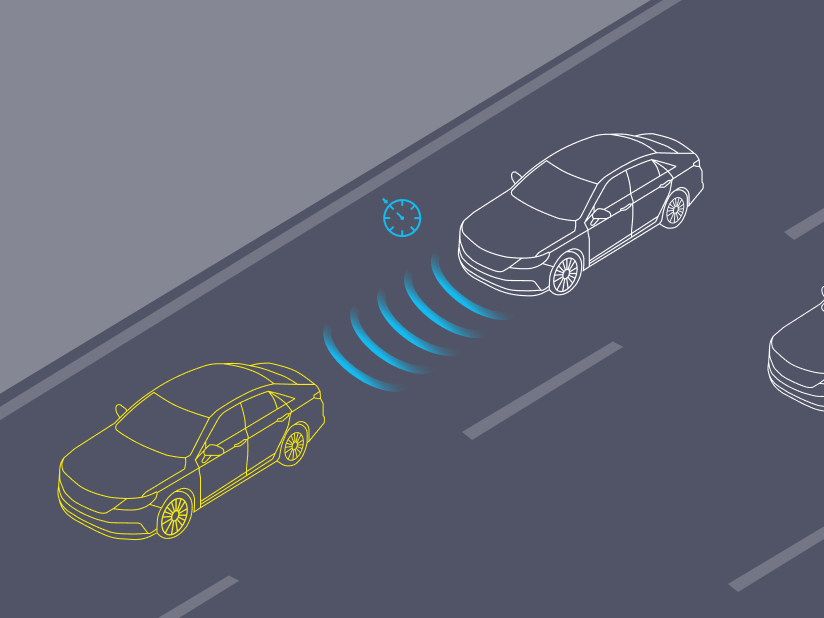
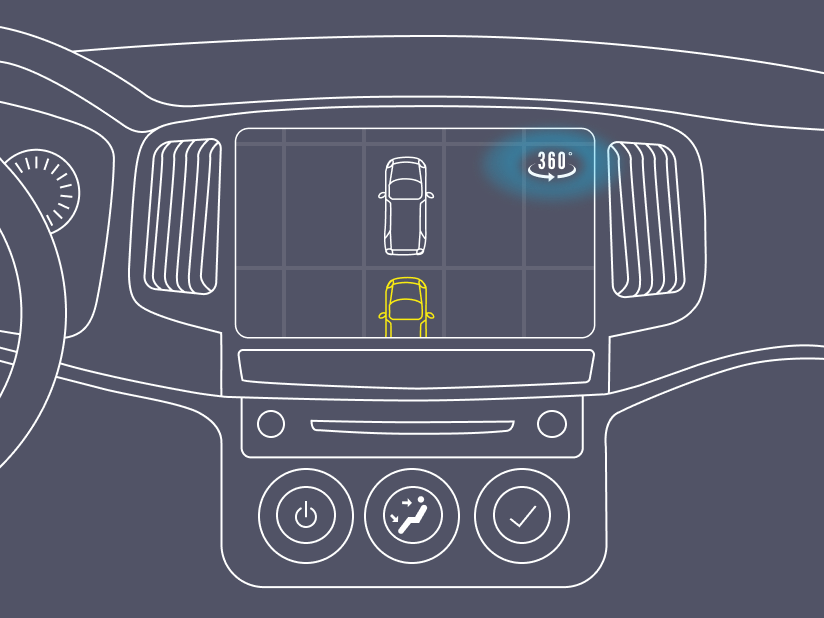
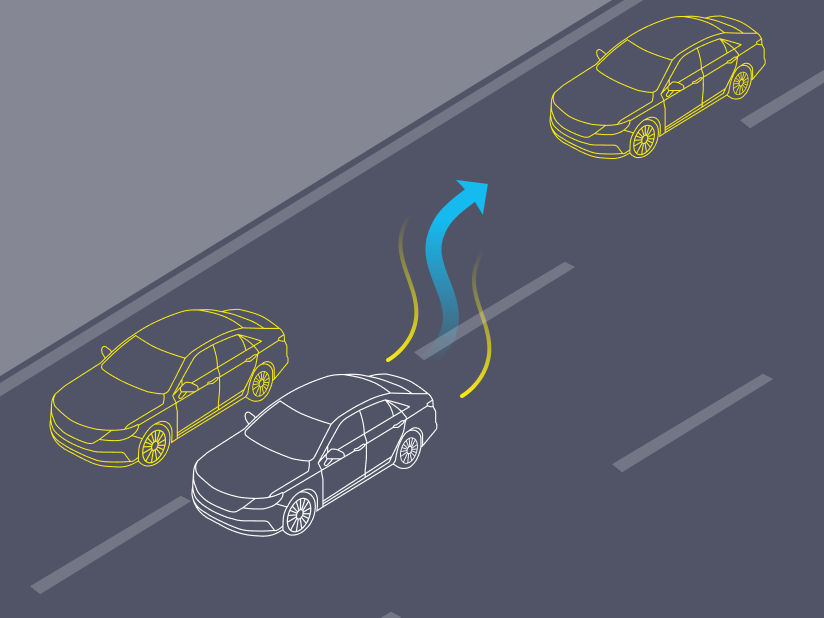
- Some of the 50+ illustrations I designed for this project.
Our main dealership website provider Dealer.com partnered with DS to include other type of badges that were larger and would let us increase engagement even further. This opened the door for an additional branding opportunity to increase the awareness of our products.

- Example of a large 360° badge on a vehicle’s VDP (Vehicle description page).
Launch
A combination of marketing, design, product, and field management efforts lead to a successful launch of this new refined Spin 360° app for our Lot Technicians, and interactive 360° views for our dealership customers, and ultimately car buyers online.
- NPS Score for Mobile app: 80
- Increase in badge clicks online: 10%
- Increase in 360° engagement time which can lead to customer/ dealership sales increase: 15%